
PushPress | Web Push & In-app Notifications for WordPress
Web push from your own server, an in-app notification centre and mobile push through Firebase: prompt designer, segments, schedules, automation and WooCommerce.
Highlights
All 12 features →PushPress | Self-hosted Web Push, In-app & Mobile Notifications for WordPress
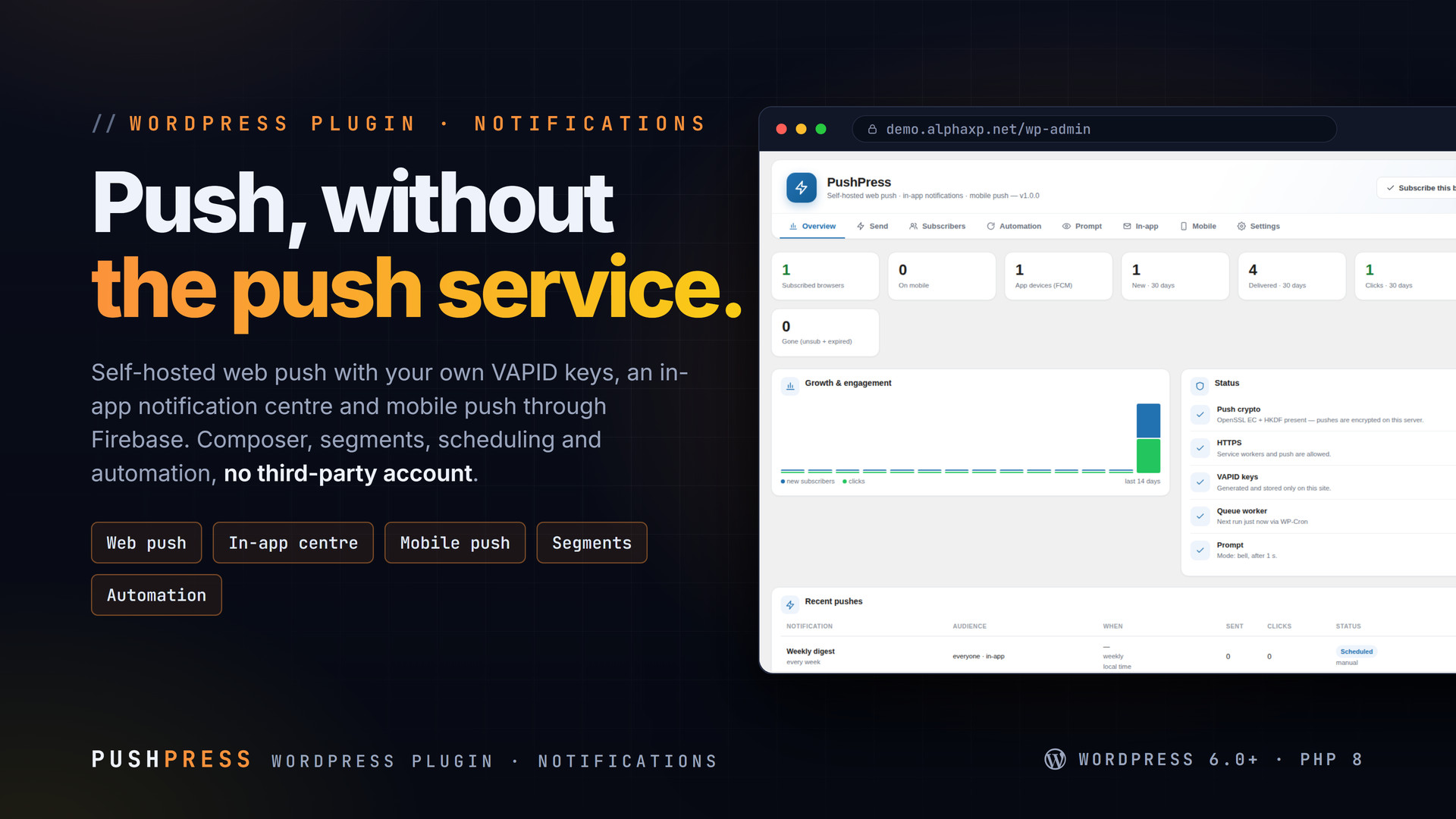
PushPress sends notifications from your own server: web push with your own VAPID keys, an in-app centre inside the site, and mobile push through Firebase for your apps. No OneSignal account, no per-subscriber fee, no data leaving your site. Design the prompt, write once, choose a segment, send now or on schedule.
Key Features
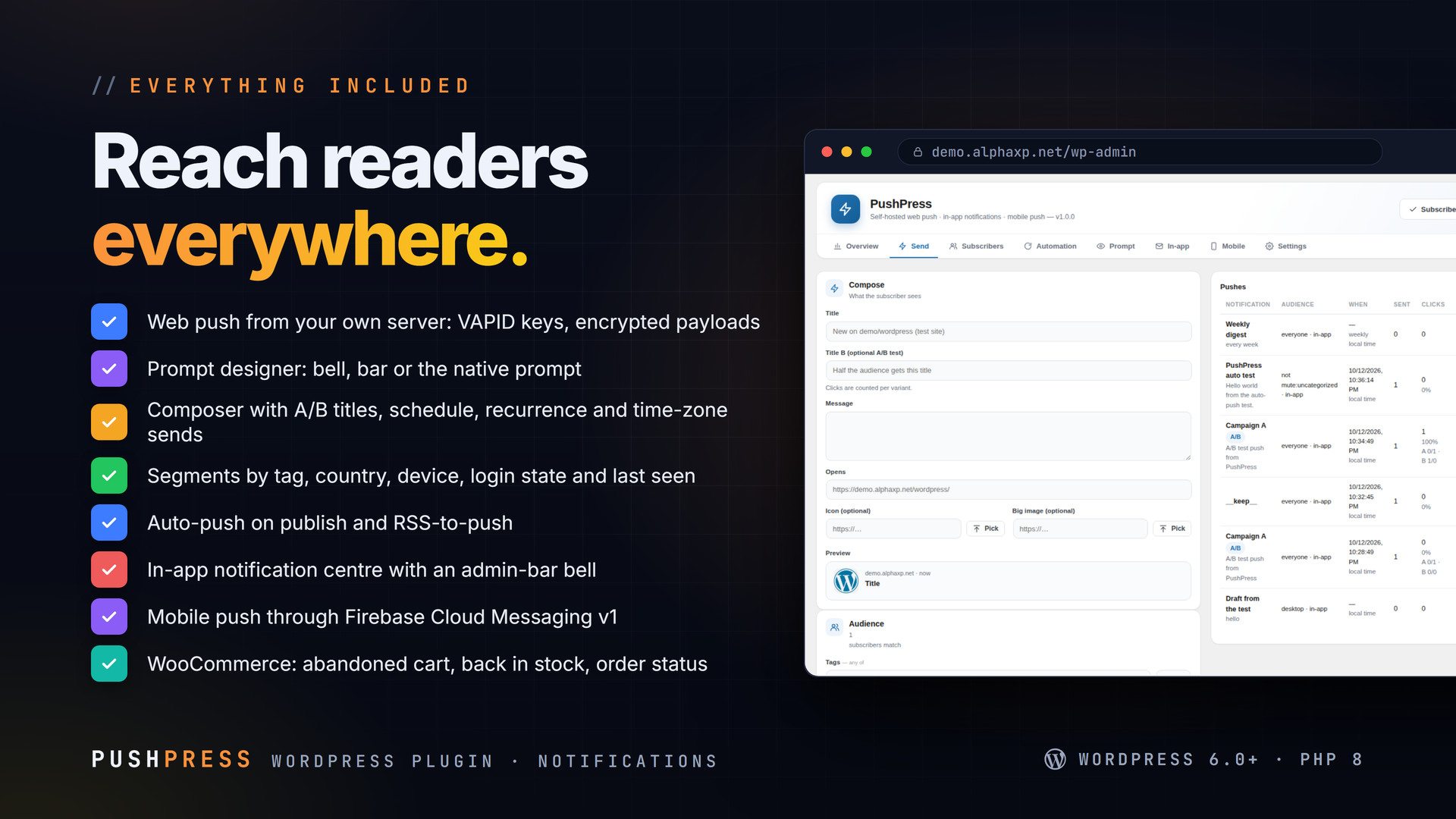
- Self-hosted web push: your own VAPID keys, encrypted payloads, no third-party push service
- Prompt designer: a bell, a bar or the native browser prompt, with your colours and copy
- Composer with A/B titles, scheduling, recurrence and time-zone sends
- Segments by tag, country, device, logged-in state, last seen and user ids
- Auto-push when a post is published, with a per-post title and opt-out
- RSS-to-push from any feed
- In-app notification centre: admin-bar bell and
[pushpress_bell] - Mobile push through Firebase Cloud Messaging v1 (service-account import, no SDK)
- Device registration endpoint for your own apps
- WooCommerce: abandoned cart, back in stock (
[pushpress_stock]), order status - Click tracking and per-push stats
- JavaScript API: subscribe, unsubscribe, tag, untag, isSubscribed
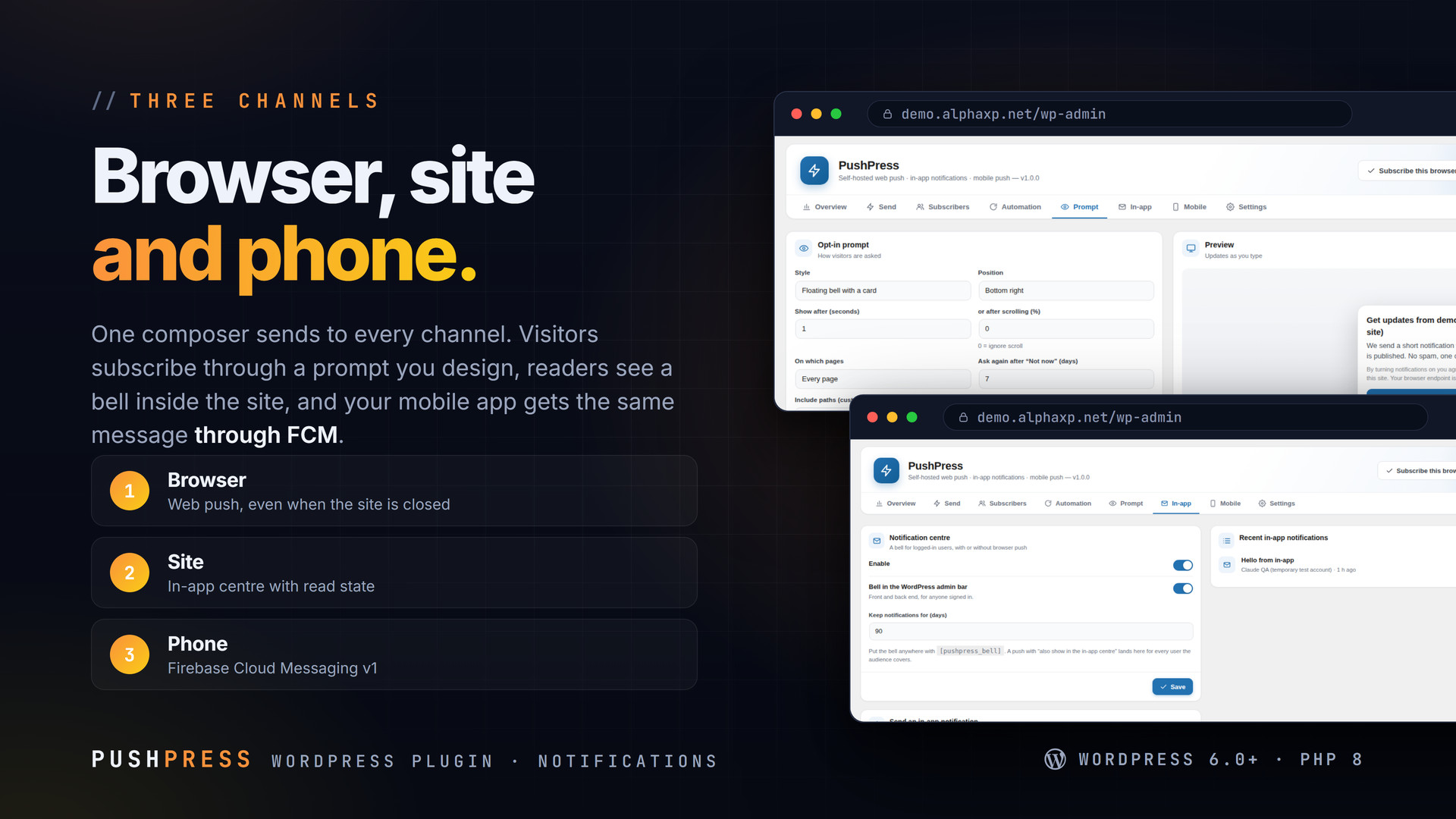
Three Channels, One Composer
- Browser: web push arrives even when the site is closed; the service worker tracks clicks
- Site: the in-app centre shows notifications with read state, for everyone or for one user
- Phone: import a Firebase service account and send the same message through FCM v1 to your app
Shortcodes & API
[pushpress_bell]: the in-app bell[pushpress_stock]: back-in-stock button for a WooCommerce productwindow.PushPress: subscribe(tags), unsubscribe(), tag(), untag(), isSubscribed()

Installation
- Download the zip from your Library
- In wp-admin go to Plugins › Add New › Upload Plugin, choose the zip and activate it
- A new menu entry appears in the admin sidebar; open it
- PushPress › Prompt: design the prompt and turn it on
- Send › write a push, pick a segment, send
Requirements
- WordPress 6.0 or newer (tested up to 7.0)
- PHP 8.0 or newer
- HTTPS (web push needs a secure origin)
- Optional: a Firebase project for mobile push, WooCommerce for the shop triggers
What You Get
- PushPress 1.0.0 for WordPress (
pushpress-1.0.0.zip) - Full, readable PHP and JavaScript source, no obfuscation
- Updates for the term of your licence
Works With
Send the newsletter with MailFlow and the push with PushPress: MailFlow, MailDoctor, AlphaLogin, LicenseGuard, MeetPress, FolderPress.
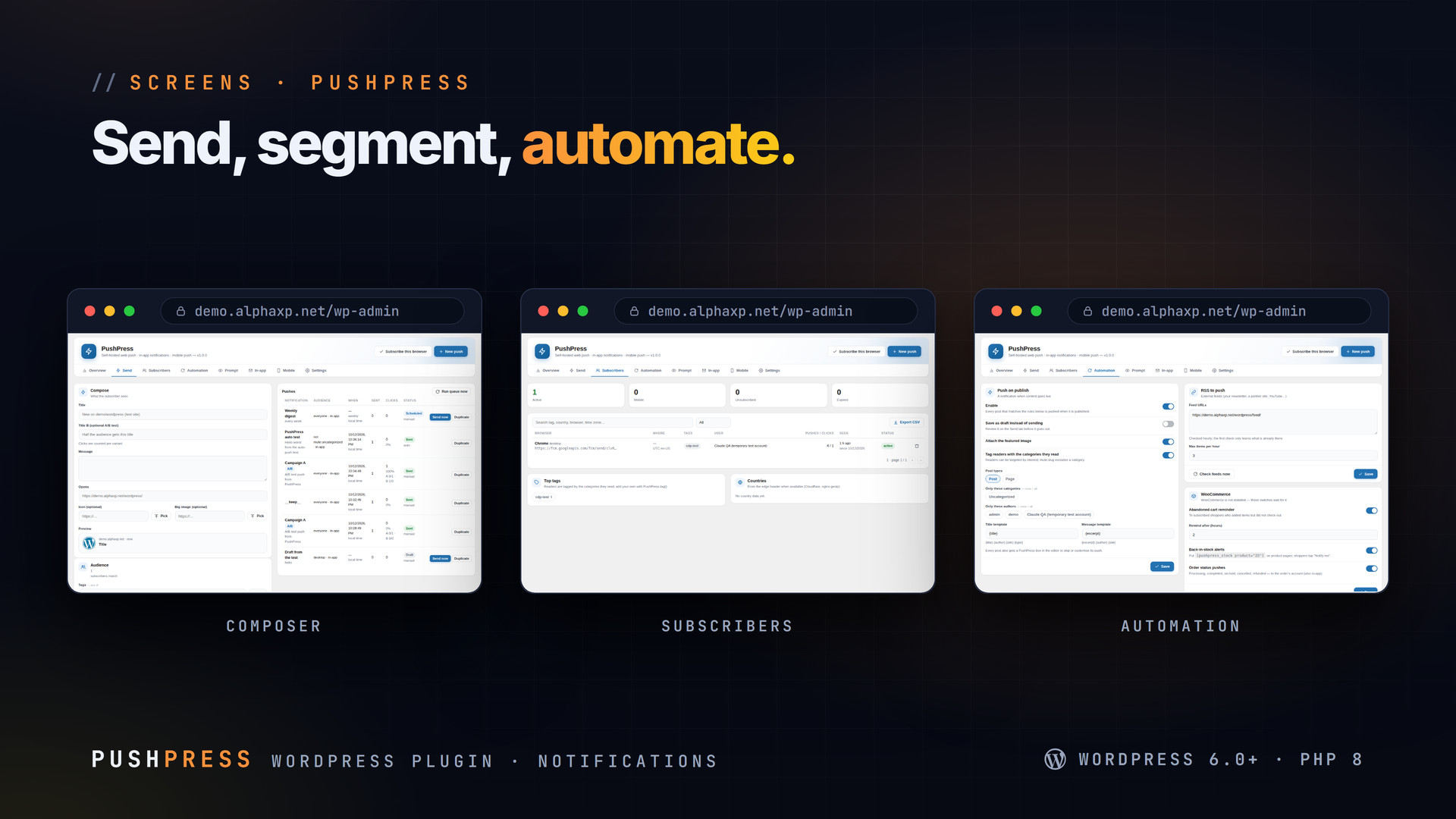
The screenshots show the plugin on our demo site with sample data.
Everything included
- Self-hosted web push: your own VAPID keys, encrypted payloads, no third-party push service
- Prompt designer: a bell, a bar or the native browser prompt, with your colours and copy
- Composer with A/B titles, scheduling, recurrence and time-zone sends
- Segments by tag, country, device, logged-in state, last seen and user ids
- Auto-push when a post is published, with a per-post title and opt-out
- RSS-to-push from any feed
- In-app notification centre: admin-bar bell and [pushpress_bell]
- Mobile push through Firebase Cloud Messaging v1 (service-account import, no SDK)
- Device registration endpoint for your own apps
- WooCommerce: abandoned cart, back in stock ([pushpress_stock]), order status
- Click tracking and per-push stats
- JavaScript API: subscribe, unsubscribe, tag, untag, isSubscribed
Platforms
Requirements
- WordPress 6.0+
- PHP 8.0+
- HTTPS
In the download
Personal
One non-commercial project
- 1 activation seat
- 1 year of updates
- One end product
- Non-commercial use
- Community support
- 14-day refund window
Commercial
Ship paid products
- 5 activation seats
- 1 year of updates
- One paid end product
- Unlimited end users
- Priority support
- Source files
- 14-day refund window
Extended
Resell & white-label
- Unlimited activation seats
- Lifetime updates
- Unlimited end products
- White-label & resell
- 1-hour SLA
- Seat-free team use
- 14-day refund window
One purchase per product, no subscription. Each licence comes with a signed key — 1 seat on Personal, 5 seats on Commercial, unlimited seats on Extended. Paid licences can be refunded within 14 days from your order page.
- v1.0.0LatestOct 13, 2026
- First release
Be the first to review PushPress | Web Push & In-app Notifications for WordPress — reviews come from customers who bought it, so every one is a verified purchase.
Frequently asked
Do I need OneSignal or another push service?
No. PushPress generates VAPID keys on your site and sends encrypted web push directly to the browsers’ push services. Mobile push uses your own Firebase project.
Which browsers get web push?
Chrome, Edge, Firefox, Opera and Safari (macOS 13+, iOS 16.4+ as a home-screen app). HTTPS is required.
Can I push to my own mobile app?
Yes. Import a Firebase service-account JSON; your app registers its device token through the PushPress endpoint and receives sends through FCM v1.
Does it slow the site down?
No. Sends run from a background queue, one minute at a time, and the front-end script is small and loads after the page.
How do I get the files after paying?
Straight after checkout you land on your order page with the download button and your licence key. A receipt is emailed to you, and every order stays in My library.
Which licence do I need?
Personal — One non-commercial project. Commercial — Ship paid products. Extended — Resell & white-label. The Licences tab compares them side by side.
On how many devices can I activate it?
1 seat on Personal, 5 seats on Commercial, unlimited seats on Extended.
How long do I get updates?
Personal: 1 year of updates, Commercial: 1 year of updates, Extended: lifetime updates, counted from your purchase.
Can I get a refund?
Yes — paid licences can be refunded within 14 days, straight from your order page.
Is the download safe?
The file was scanned with ClamAV when it was published. Its SHA-256 checksum is listed under Features → In the download, so you can verify the file you receive.
Do I need an account?
No. Checkout only needs your email. Signing in keeps all your purchases, keys and downloads together in My library.
More like this
AlphaLogin | Passkeys, 2FA & SSO for WordPress
Passkeys, two-factor codes, magic links and SSO through your Alpha accounts portal, with brute-force protection, session control, login des…
★★★★★ No reviews yetTTechHarbour$19.00NewMeetPress | Video Meetings & Bookings for WordPress
AlphaCall video rooms on any page, a booking calendar with services and weekly availability, a private room per booking, confirmations with…
★★★★★ No reviews yetTTechHarbour$29.00NewLicenseGuard | Licence Keys & Update Server for WordPress
A licence server for the software you sell: signed keys, seat-limited activations, a private update server with staged rollouts, a REST API…
★★★★★ No reviews yetTTechHarbour$29.00NewMailFlow | Newsletters, Automations & Email Builder for WordPress
Newsletters inside WordPress: a drag-and-drop builder with 28 templates, lists with double opt-in, segments, automations, send-time optimis…
★★★★★ No reviews yetTTechHarbour$29.00