
LicenseGuard | Licence Keys & Update Server for WordPress
A licence server for the software you sell: signed keys, seat-limited activations, a private update server with staged rollouts, a REST API and a PHP SDK.
Highlights
All 12 features →LicenseGuard | Licence Keys, Activations & Private Updates for WordPress
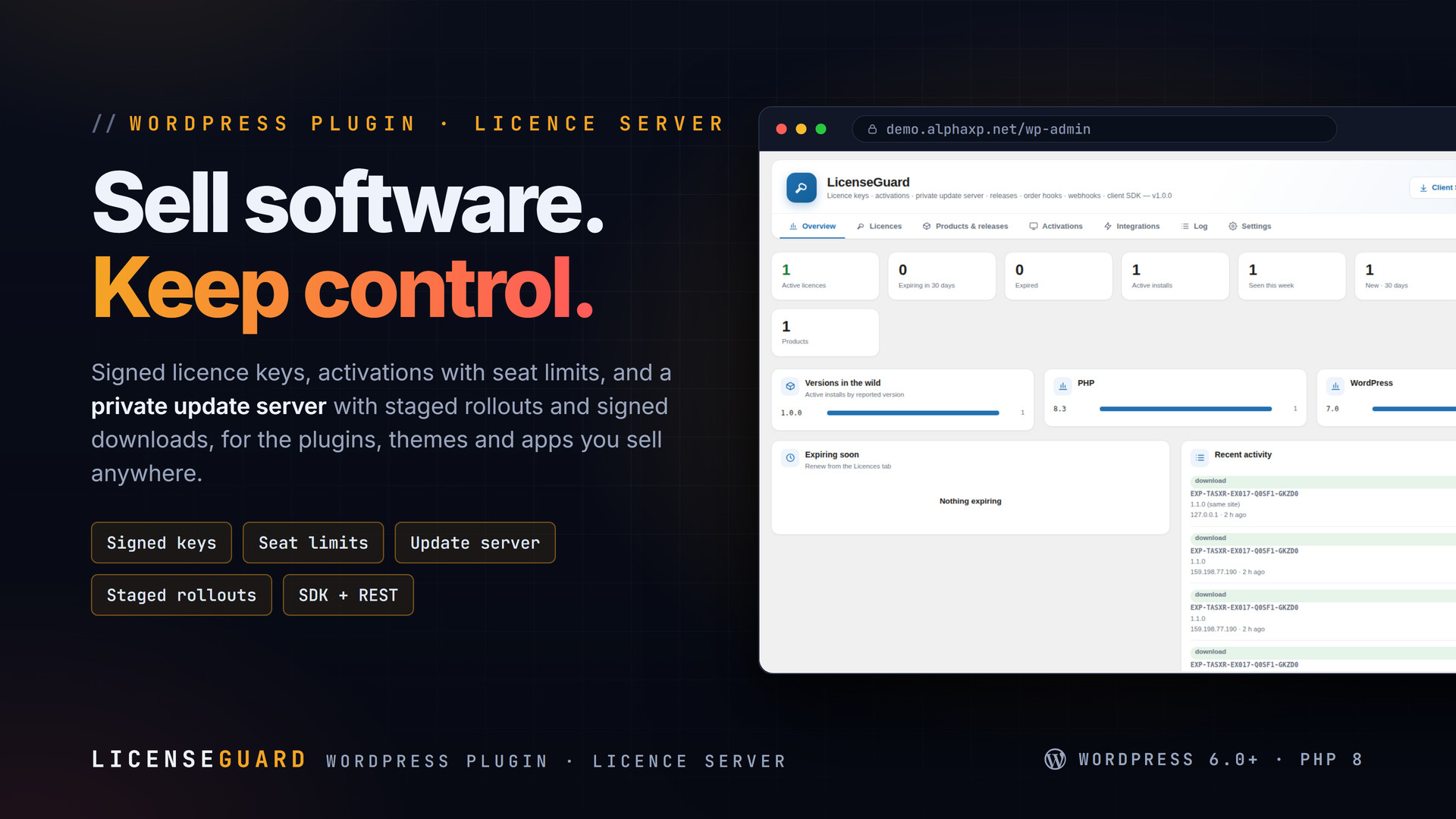
LicenseGuard turns a WordPress site into a licence server for the software you sell: signed keys, activations with seat limits, and a private update server your customers’ installs talk to. Plugins and themes update from their own wp-admin through the bundled SDK; apps use the REST API.
Key Features
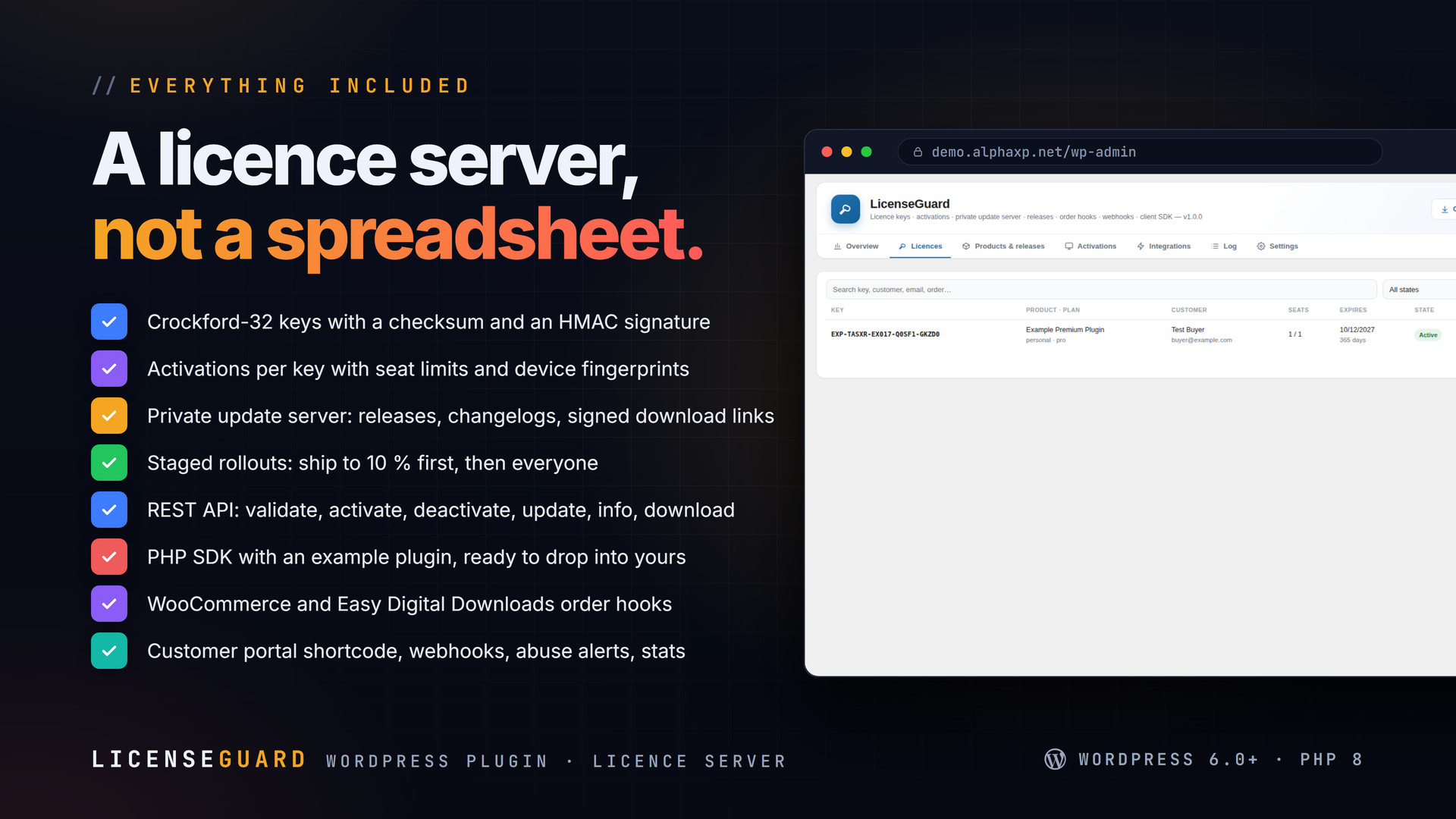
- Licence keys in Crockford-32 with a checksum and an HMAC signature; prefix per product
- Activations per key with seat limits, device fingerprints and deactivation
- Private update server: releases with version, changelog and a signed, expiring download link
- Staged rollouts by percentage of installs
- REST API: validate, activate, deactivate, update, info, download, product
- PHP SDK (
licenseguard-client.php) with an example plugin: licence box in wp-admin, updates through the WordPress updater - WooCommerce and Easy Digital Downloads: a key per order line, tied to the customer
- Customer portal shortcode
[licenseguard_portal]: keys, activations, downloads - Webhooks with an HMAC signature on every event
- Abuse alerts: too many activations, fingerprint churn
- Log of every API call; stats per product
- Works for plugins, themes, desktop and mobile apps
Updates Your Customers Trust
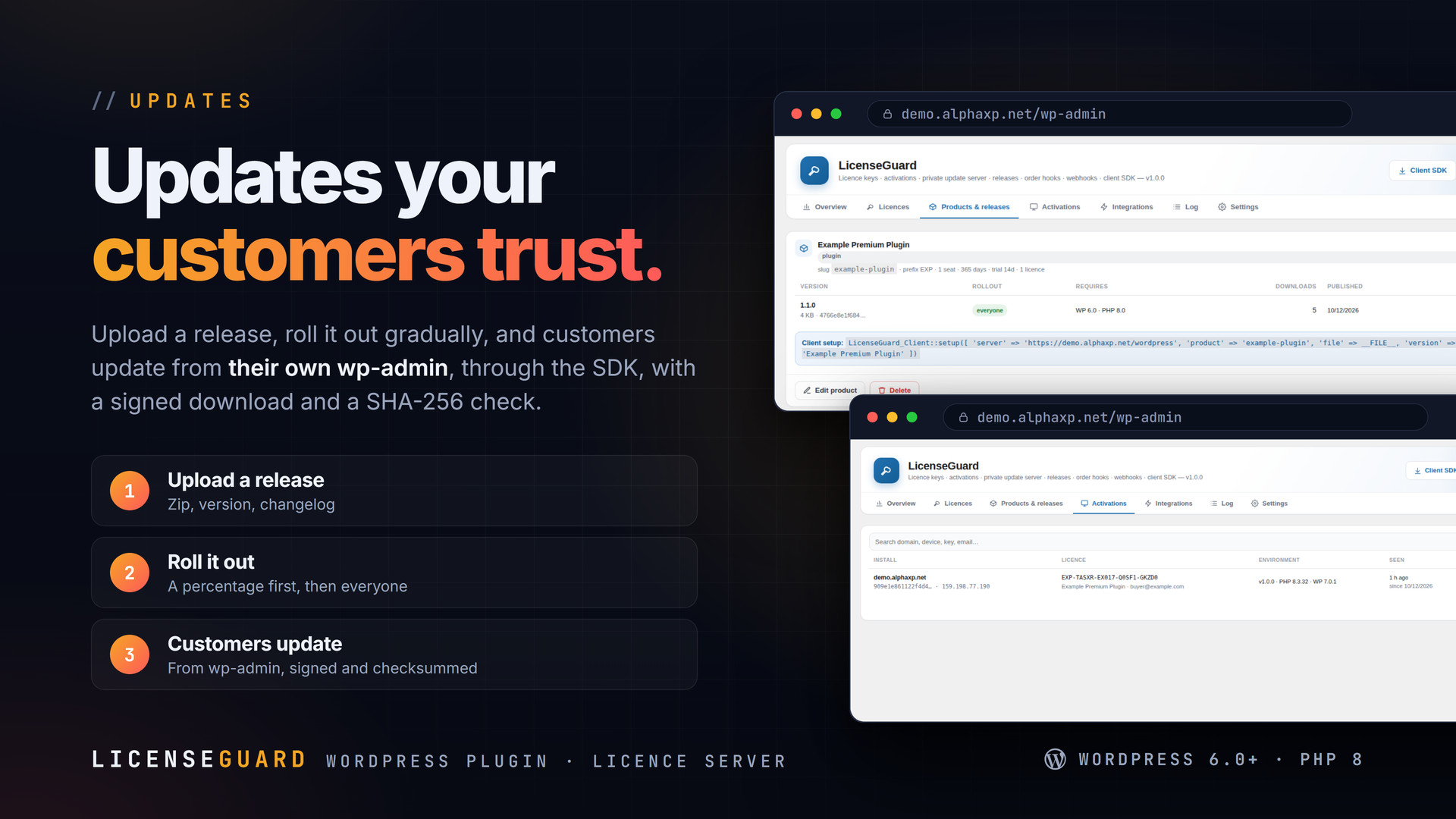
- Upload a release zip with a version and changelog
- Roll it out to a percentage of installs first, then to everyone
- Installs check in, get a signed download link, verify the SHA-256 and update through the normal WordPress updater
The SDK
Download the SDK from Integrations: one PHP file to include, plus an example plugin. It adds a licence box to wp-admin, validates the key, and hooks the WordPress updater so your product updates from your server, with retries and a checksum.

Installation
- Download the zip from your Library
- In wp-admin go to Plugins › Add New › Upload Plugin, choose the zip and activate it
- A new menu entry appears in the admin sidebar; open it
- LicenseGuard › Products: add a product (name, slug, key prefix, seats)
- Create a licence or let WooCommerce / EDD orders create them
- Drop the SDK into your plugin and point it at this site
Requirements
- WordPress 6.0 or newer (tested up to 7.0)
- PHP 8.0 or newer
- HTTPS for the API
- Optional: WooCommerce or Easy Digital Downloads for automatic keys
What You Get
- LicenseGuard 1.0.0 for WordPress (
licenseguard-1.0.0.zip) - Full, readable PHP and JavaScript source, no obfuscation
- Updates for the term of your licence
- The SDK and the example plugin (also downloadable from Integrations)
Works With
Sell on your own site with WooCommerce or EDD, and pair it with: AlphaLogin, MailFlow, MailDoctor, PushPress, MeetPress, FolderPress.
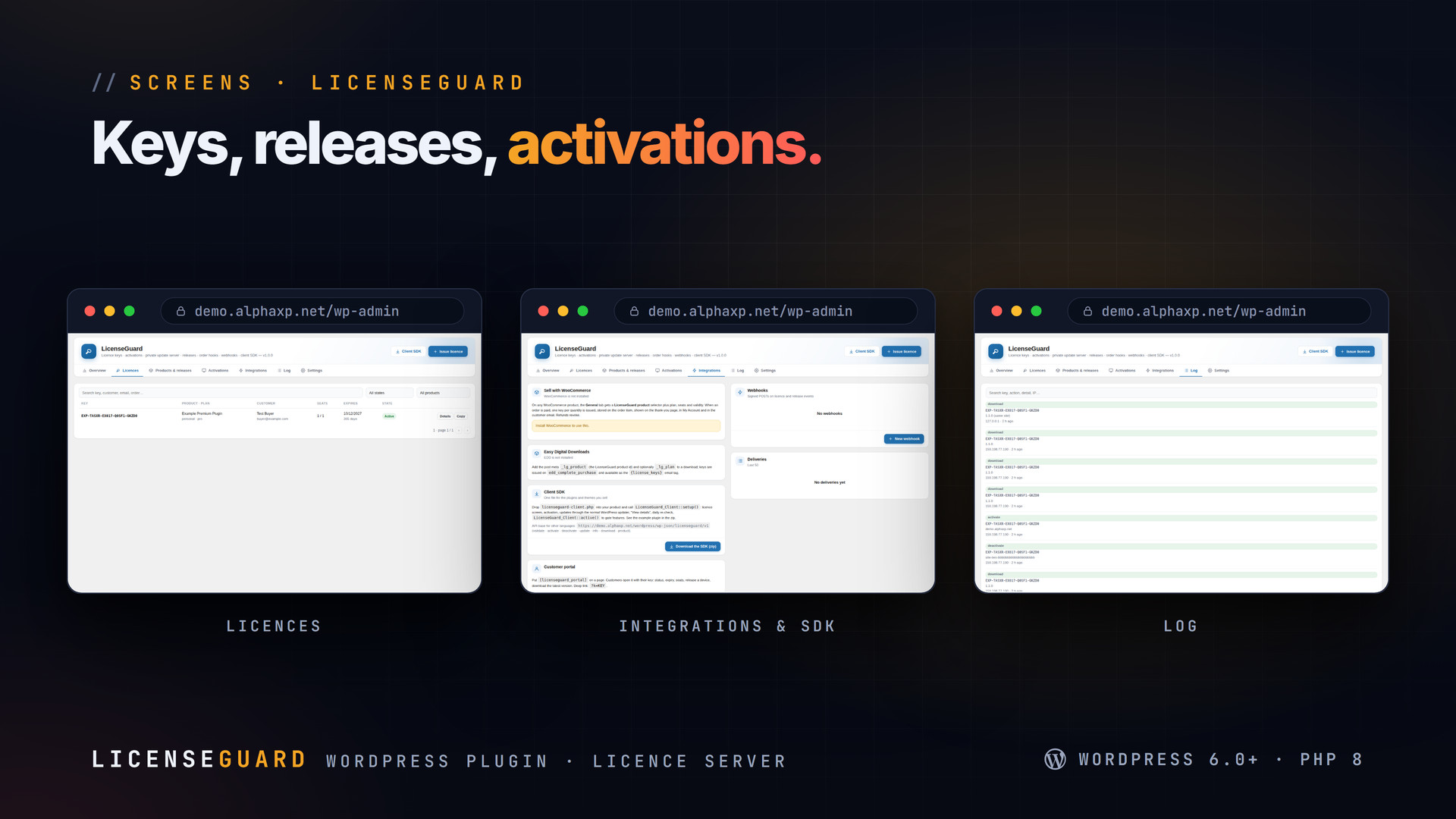
The screenshots show the plugin on our demo site with sample data.
Everything included
- Licence keys in Crockford-32 with a checksum and an HMAC signature; prefix per product
- Activations per key with seat limits, device fingerprints and deactivation
- Private update server: releases with version, changelog and a signed, expiring download li
- Staged rollouts by percentage of installs
- REST API: validate, activate, deactivate, update, info, download, product
- PHP SDK (licenseguard-client.php) with an example plugin: licence box in wp-admin, updates
- WooCommerce and Easy Digital Downloads: a key per order line, tied to the customer
- Customer portal shortcode [licenseguard_portal]: keys, activations, downloads
- Webhooks with an HMAC signature on every event
- Abuse alerts: too many activations, fingerprint churn
- Log of every API call; stats per product
- Works for plugins, themes, desktop and mobile apps
Platforms
Requirements
- WordPress 6.0+
- PHP 8.0+
- HTTPS
In the download
Personal
One non-commercial project
- 1 activation seat
- 1 year of updates
- One end product
- Non-commercial use
- Community support
- 14-day refund window
Commercial
Ship paid products
- 5 activation seats
- 1 year of updates
- One paid end product
- Unlimited end users
- Priority support
- Source files
- 14-day refund window
Extended
Resell & white-label
- Unlimited activation seats
- Lifetime updates
- Unlimited end products
- White-label & resell
- 1-hour SLA
- Seat-free team use
- 14-day refund window
One purchase per product, no subscription. Each licence comes with a signed key — 1 seat on Personal, 5 seats on Commercial, unlimited seats on Extended. Paid licences can be refunded within 14 days from your order page.
- v1.0.0LatestOct 13, 2026
- First release
Be the first to review LicenseGuard | Licence Keys & Update Server for WordPress — reviews come from customers who bought it, so every one is a verified purchase.
Frequently asked
Can my customers’ plugins update from my site?
Yes. Include the SDK in your plugin; it talks to this site, gets a signed download link for new releases and updates through the normal WordPress updater, with a SHA-256 check.
Does it work for apps that are not WordPress plugins?
Yes. The REST API (validate, activate, deactivate, update, download) is plain JSON; any desktop or mobile app can use it.
How are keys generated?
Keys are Crockford-32 with a checksum and an HMAC signature from a secret kept on your site, so a key cannot be guessed or forged.
Do I need WooCommerce?
No. Keys can be created by hand or through the API. WooCommerce and Easy Digital Downloads are optional and create a key per order line.
How do I get the files after paying?
Straight after checkout you land on your order page with the download button and your licence key. A receipt is emailed to you, and every order stays in My library.
Which licence do I need?
Personal — One non-commercial project. Commercial — Ship paid products. Extended — Resell & white-label. The Licences tab compares them side by side.
On how many devices can I activate it?
1 seat on Personal, 5 seats on Commercial, unlimited seats on Extended.
How long do I get updates?
Personal: 1 year of updates, Commercial: 1 year of updates, Extended: lifetime updates, counted from your purchase.
Can I get a refund?
Yes — paid licences can be refunded within 14 days, straight from your order page.
Is the download safe?
The file was scanned with ClamAV when it was published. Its SHA-256 checksum is listed under Features → In the download, so you can verify the file you receive.
Do I need an account?
No. Checkout only needs your email. Signing in keeps all your purchases, keys and downloads together in My library.
More like this
AlphaLogin | Passkeys, 2FA & SSO for WordPress
Passkeys, two-factor codes, magic links and SSO through your Alpha accounts portal, with brute-force protection, session control, login des…
★★★★★ No reviews yetTTechHarbour$19.00NewMeetPress | Video Meetings & Bookings for WordPress
AlphaCall video rooms on any page, a booking calendar with services and weekly availability, a private room per booking, confirmations with…
★★★★★ No reviews yetTTechHarbour$29.00NewPushPress | Web Push & In-app Notifications for WordPress
Web push from your own server, an in-app notification centre and mobile push through Firebase: prompt designer, segments, schedules, automa…
★★★★★ No reviews yetTTechHarbour$19.00NewMailFlow | Newsletters, Automations & Email Builder for WordPress
Newsletters inside WordPress: a drag-and-drop builder with 28 templates, lists with double opt-in, segments, automations, send-time optimis…
★★★★★ No reviews yetTTechHarbour$29.00