
DiagramBlock | draw.io, Excalidraw & drawDB Blocks for WordPress
draw.io, Excalidraw and drawDB diagrams as editable blocks: a bundled Excalidraw, version history, live collaboration, templates, schema import, lightbox.
Highlights
All 10 features →DiagramBlock | draw.io, Excalidraw & drawDB Diagrams as Editable Gutenberg Blocks
Try DiagramBlock liveThe real admin, ready to explore — no sign-up, nothing to install.Live demoDemo detailsHide details
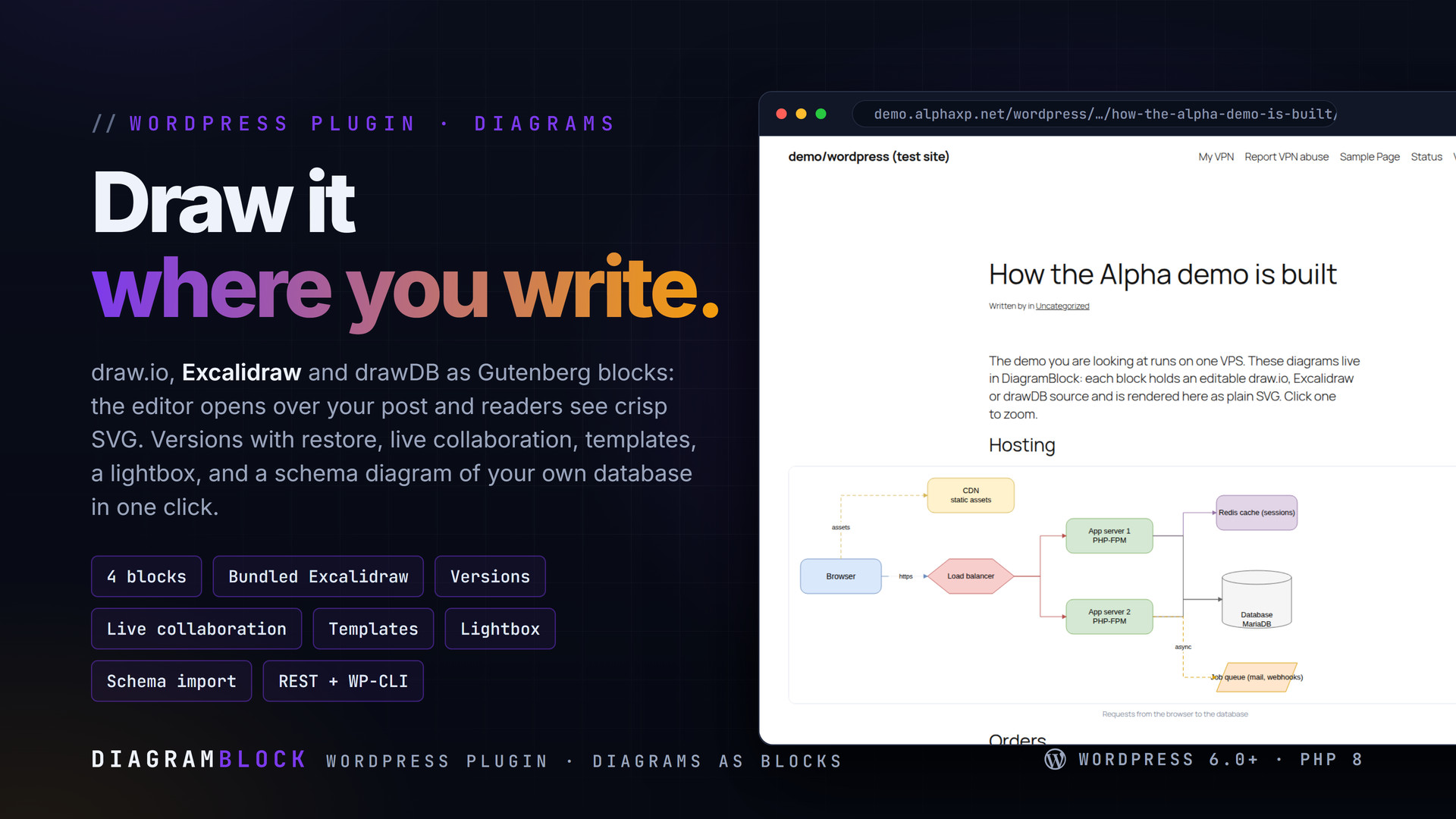
DiagramBlock lets authors draw where they write: flowcharts and architecture in draw.io, hand-drawn sketches in a bundled Excalidraw, database schemas in drawDB — each one a block that opens its editor over the post and shows a clean SVG to readers. Diagrams keep their history, can be edited together live, and live in one library with templates and imports. Nothing has to load from a third-party CDN.
Key Features
- Four blocks — draw.io diagram, Excalidraw sketch, drawDB schema, Circuit diagram — plus the [diagram id=…] shortcode and a Classic-editor button
- The editor opens in a modal over the block editor, the Classic editor and the library; a save stores the source and an SVG export together
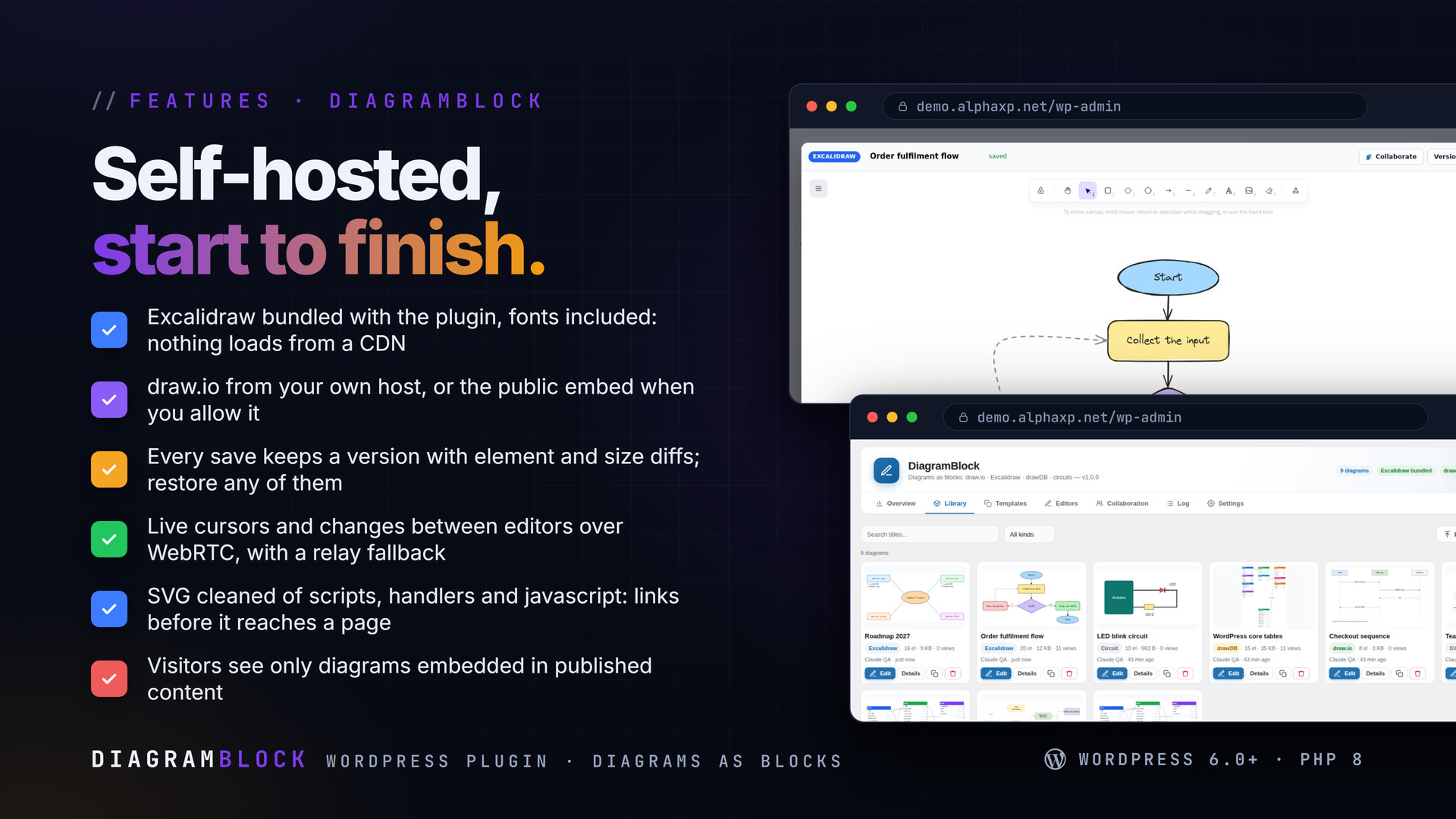
- Excalidraw is bundled and served from your site with its fonts; draw.io runs from an instance you host (or the public embed when you switch it on); drawDB and circuit projects from the hosts you configure
- Version history on every save with element and size diffs, preview and one-click restore; retention you set
- Live collaboration on Excalidraw and draw.io: cursors and changes over WebRTC data channels, a relay through the site when a direct channel cannot open, presence badges
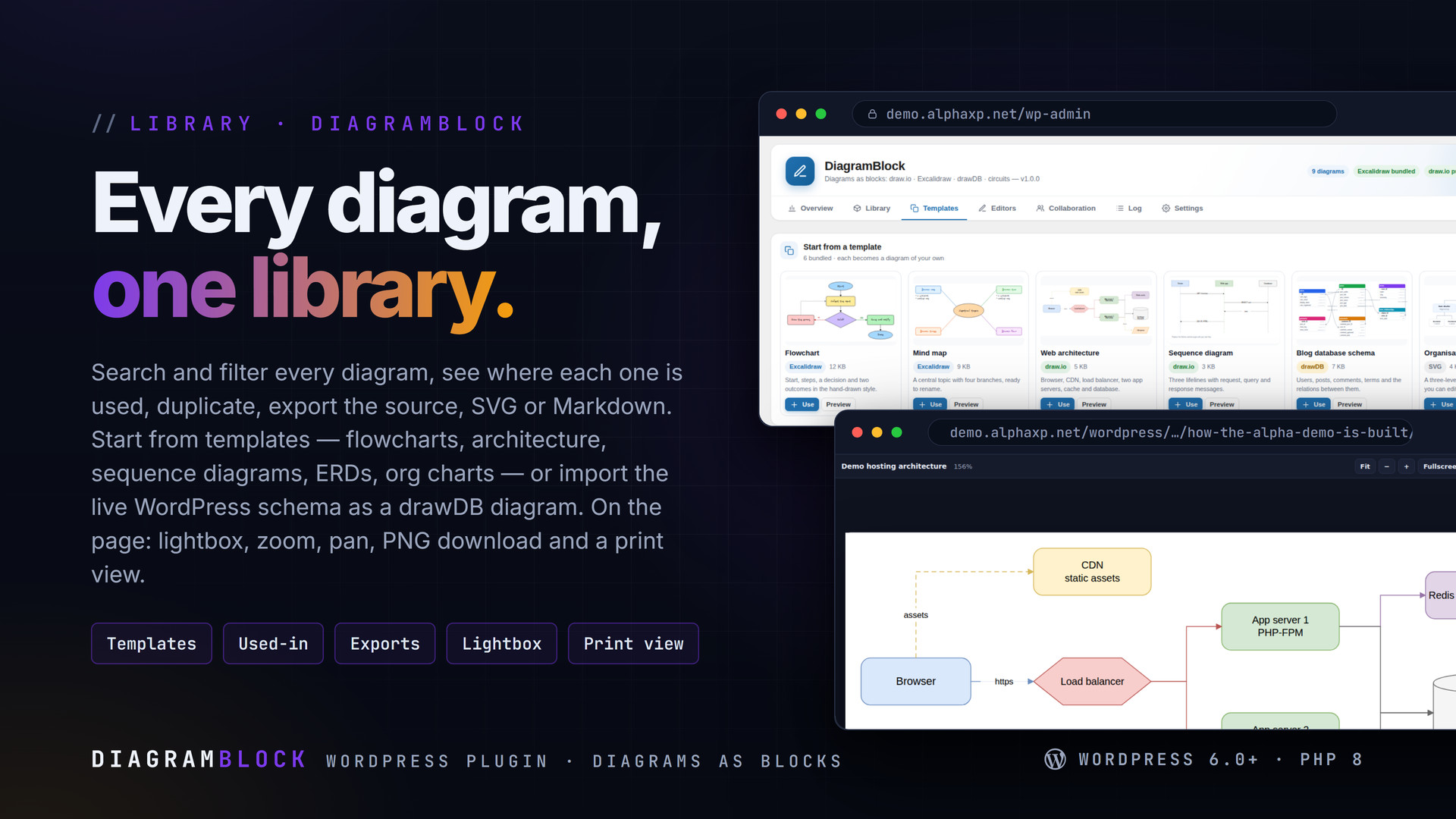
- A library with search, kind filter, thumbnails, authors, views and the posts that use each diagram; duplicate; export the native file, SVG or Markdown
- Templates (flowchart, mind map, architecture, sequence, ERD, org chart) and a drawDB import of the live WordPress database with relations inferred from …_id columns
- Imports: .drawio (also compressed), .excalidraw, drawDB JSON, .svg and Markdown with one diagram per fenced block
- On the page: server-rendered SVG cleaned of scripts, responsive width, captions, lazy loading for large drawings, a lightbox with zoom, pan, pinch, fullscreen and PNG download, a print view
- Roles that may draw; visitors only ever reach diagrams embedded in published content; REST diagramblock/v1, wp diagramblock list|export|import|templates|render, Site Health check
From Block to Page
- Add a Diagram block and choose New, Existing or From template
- Draw in the editor modal; Save stores the source, an SVG export and a version
- The page shows the SVG inline (lazy for large drawings) with a lightbox and downloads
- Edit again any time from the block toolbar; every save is a version you can restore


Installation
- Download the zip from your Library
- In wp-admin go to Plugins › Add New › Upload Plugin, choose the zip and activate it
- A new menu entry appears in the admin sidebar; open it
- DiagramBlock › Editors: Excalidraw is ready; paste your draw.io / drawDB / simulator hosts if you have them
Requirements
- WordPress 6.0 or newer (tested up to 7.0)
- PHP 8.0 or newer
- The block editor for blocks (the shortcode and Classic button work without it)
- Optional: your own draw.io host, or permission to use the public embed
What You Get
- DiagramBlock 1.0.0 for WordPress (
diagramblock-1.0.0.zip) - Full, readable PHP and JavaScript source, no obfuscation
- Updates for the term of your licence
- Excalidraw (MIT) bundled as a self-contained editor with its fonts
Works With
Part of the Alpha WordPress line, built with one admin kit: CodeForge, DBDoctor, CodeSell, ShareVault, SiteStats, AlphaAI Assist.
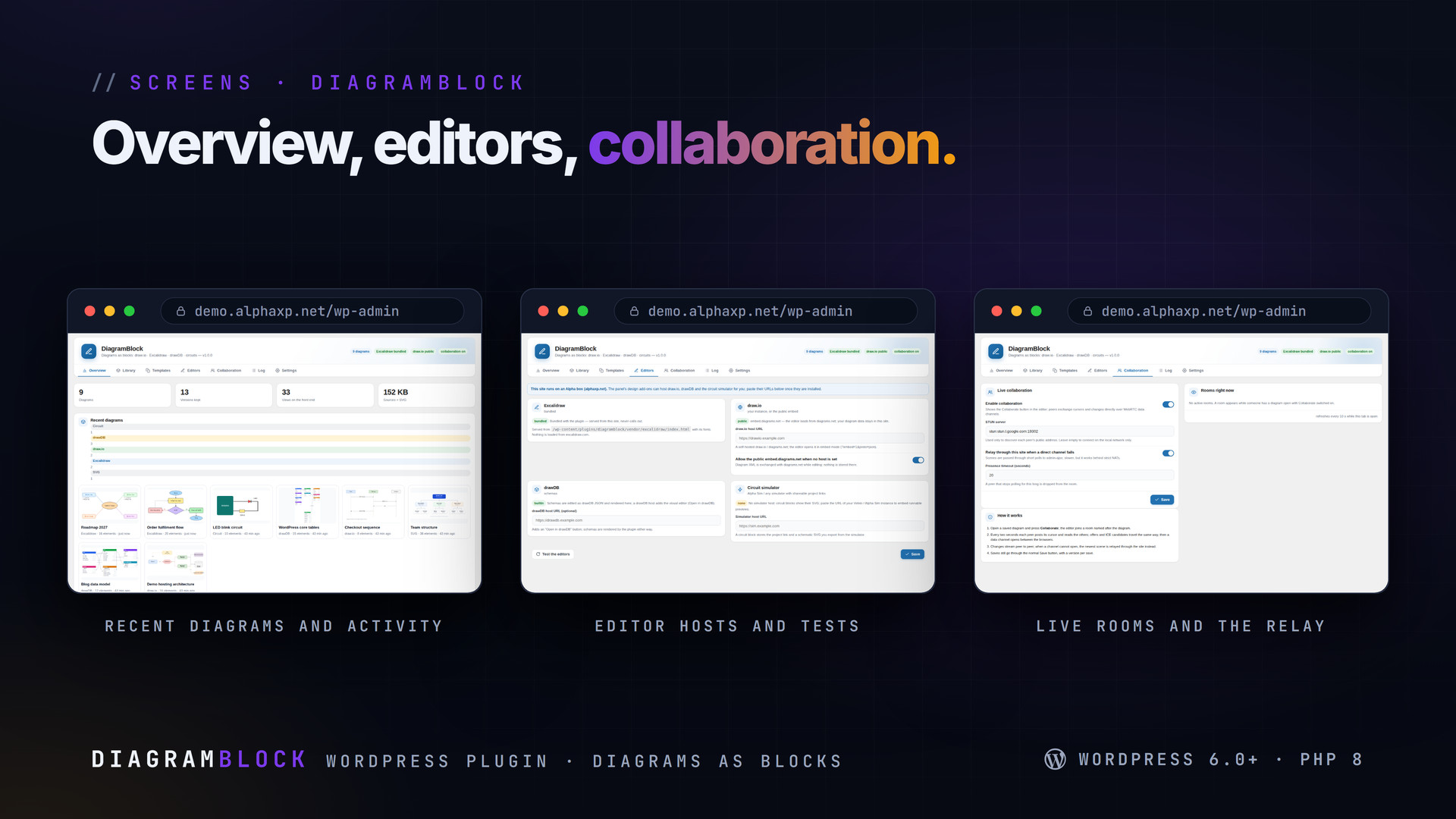
The screenshots show the plugin on our demo site with sample data.
Everything included
- Four blocks — draw.io diagram, Excalidraw sketch, drawDB schema, Circuit diagram — plus th
- The editor opens in a modal over the block editor, the Classic editor and the library; a s
- Excalidraw is bundled and served from your site with its fonts; draw.io runs from an insta
- Version history on every save with element and size diffs, preview and one-click restore;
- Live collaboration on Excalidraw and draw.io: cursors and changes over WebRTC data channel
- A library with search, kind filter, thumbnails, authors, views and the posts that use each
- Templates (flowchart, mind map, architecture, sequence, ERD, org chart) and a drawDB impor
- Imports: .drawio (also compressed), .excalidraw, drawDB JSON, .svg and Markdown with one d
- On the page: server-rendered SVG cleaned of scripts, responsive width, captions, lazy load
- Roles that may draw; visitors only ever reach diagrams embedded in published content; REST
Platforms
Requirements
- WordPress 6.0+
- PHP 8.0+
In the download
Personal
One non-commercial project
- 1 activation seat
- 1 year of updates
- One end product
- Non-commercial use
- Community support
- 14-day refund window
Commercial
Ship paid products
- 5 activation seats
- 1 year of updates
- One paid end product
- Unlimited end users
- Priority support
- Source files
- 14-day refund window
Extended
Resell & white-label
- Unlimited activation seats
- Lifetime updates
- Unlimited end products
- White-label & resell
- 1-hour SLA
- Seat-free team use
- 14-day refund window
One purchase per product, no subscription. Each licence comes with a signed key — 1 seat on Personal, 5 seats on Commercial, unlimited seats on Extended. Paid licences can be refunded within 14 days from your order page.
- v1.0.0LatestOct 14, 2026
- First release
Be the first to review DiagramBlock | draw.io, Excalidraw & drawDB Blocks for WordPress — reviews come from customers who bought it, so every one is a verified purchase.
Frequently asked
Does anything load from a third-party site?
Not for Excalidraw: the editor and its fonts are bundled and served from your site. draw.io loads from the host you configure; the public embed is off until you allow it.
What do readers get?
An SVG rendered on the server and cleaned of scripts and external loaders, with an optional lightbox, PNG and SVG downloads and a print view. No editor and no iframe on the front end.
Can two people edit the same diagram?
Yes. Press Collaborate in the editor: cursors and changes travel peer to peer over WebRTC, with a relay through your site when a direct connection is not possible.
Can I get an older drawing back?
Every save that changes a diagram adds a version. Preview any version and restore it; the current state is kept as a new version.
How do I get the files after paying?
Straight after checkout you land on your order page with the download button and your licence key. A receipt is emailed to you, and every order stays in My library.
Which licence do I need?
Personal — One non-commercial project. Commercial — Ship paid products. Extended — Resell & white-label. The Licences tab compares them side by side.
On how many devices can I activate it?
1 seat on Personal, 5 seats on Commercial, unlimited seats on Extended.
How long do I get updates?
Personal: 1 year of updates, Commercial: 1 year of updates, Extended: lifetime updates, counted from your purchase.
Can I get a refund?
Yes — paid licences can be refunded within 14 days, straight from your order page.
Is the download safe?
The file was scanned with ClamAV when it was published. Its SHA-256 checksum is listed under Features → In the download, so you can verify the file you receive.
Do I need an account?
No. Checkout only needs your email. Signing in keeps all your purchases, keys and downloads together in My library.
More like this
FolderPress — Media Library Folders for WordPress
media library, media folders, folders, file manager, media organizer, image optimization, webp, cdn, share links, private files, two factor…
★★★★★ No reviews yetTTechHarbour$29.00AlphaLogin | Passkeys, 2FA & SSO for WordPress
Passkeys, two-factor codes, magic links and SSO through your Alpha accounts portal, with brute-force protection, session control, login des…
★★★★★ No reviews yetTTechHarbour$19.00MeetPress | Video Meetings & Bookings for WordPress
AlphaCall video rooms on any page, a booking calendar with services and weekly availability, a private room per booking, confirmations with…
★★★★★ No reviews yetTTechHarbour$29.00LicenseGuard | Licence Keys & Update Server for WordPress
A licence server for the software you sell: signed keys, seat-limited activations, a private update server with staged rollouts, a REST API…
★★★★★ No reviews yetTTechHarbour$29.00