
ShareVault | Secure File Sharing & Uploads for WordPress
Expiring, password-protected share links on branded pages, client upload requests with resumable uploads, ClamAV and zip-bomb scans, delivery, S3 offload.
Highlights
All 12 features →ShareVault | Secure File Sharing, Upload Requests, Virus Scanning & Digital Delivery for WordPress
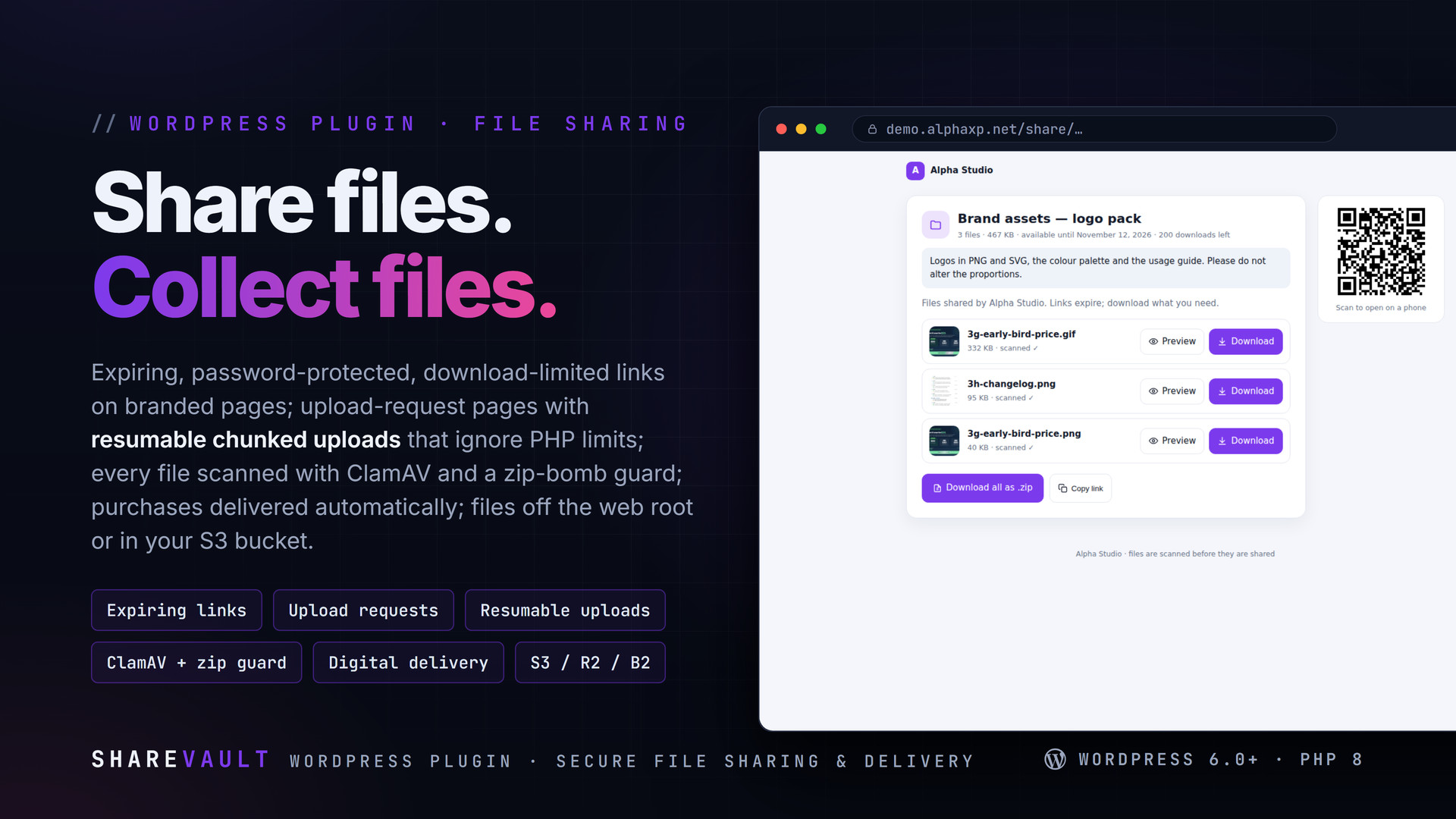
ShareVault turns your WordPress into a private file exchange. Share files and folders through expiring, password-protected, download-limited links on branded pages; collect files from clients on upload-request pages with resumable chunked uploads that ignore PHP limits; scan everything with ClamAV and a zip-bomb guard; deliver purchases automatically; and keep files out of the web root or in your own S3-compatible bucket.
Key Features
- Share one file or a folder: expiry, download limit, password, note, group; a branded page with previews (images, PDF, text, audio, video), per-file download, download-all as .zip, QR code
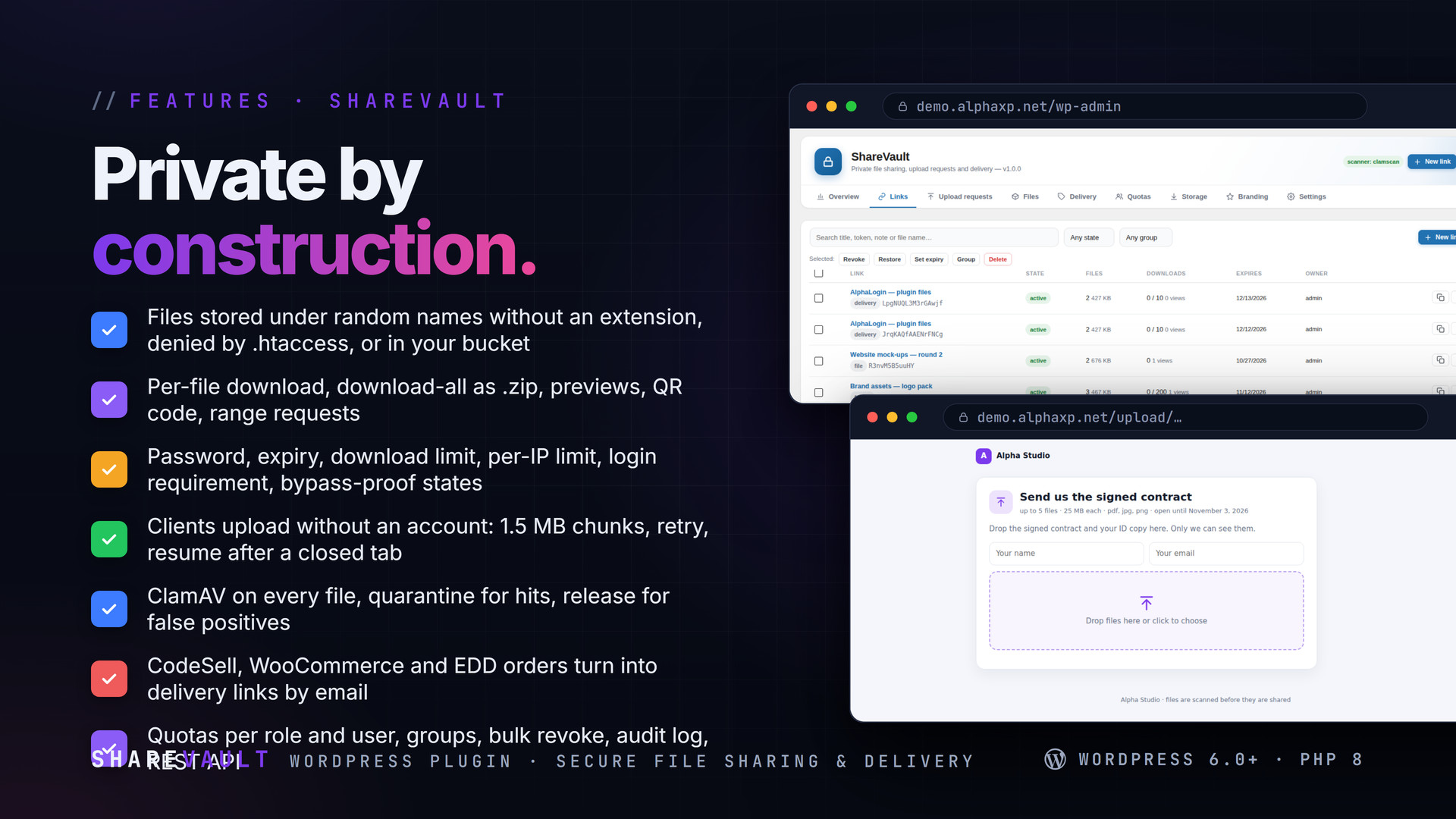
- Files live in a private folder under a random name without extension (or in your bucket); downloads stream through PHP with range support, or redirect to a short-lived presigned URL
- Per-IP daily download limits, optional login requirement; states that cannot be bypassed: active, expired, revoked, exhausted
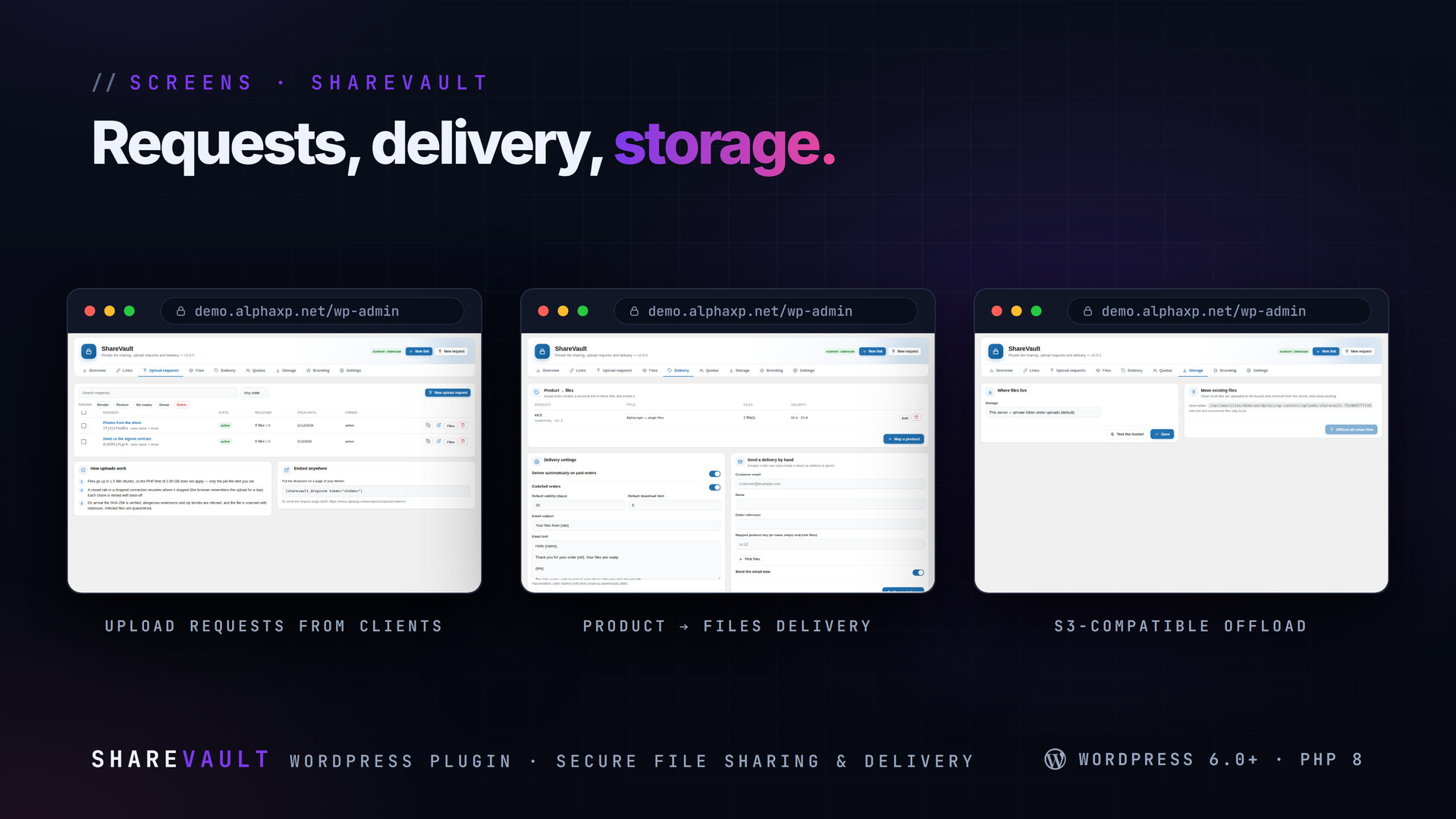
- Upload-request pages your clients open without an account: name and email collection, file-count / size / type limits, closing date, password; embed with [sharevault_dropzone]
- Chunked, resumable uploads: 1.5 MB chunks by default, automatic retry with back-off, resume after a closed tab, SHA-256 verified; works behind small PHP upload limits
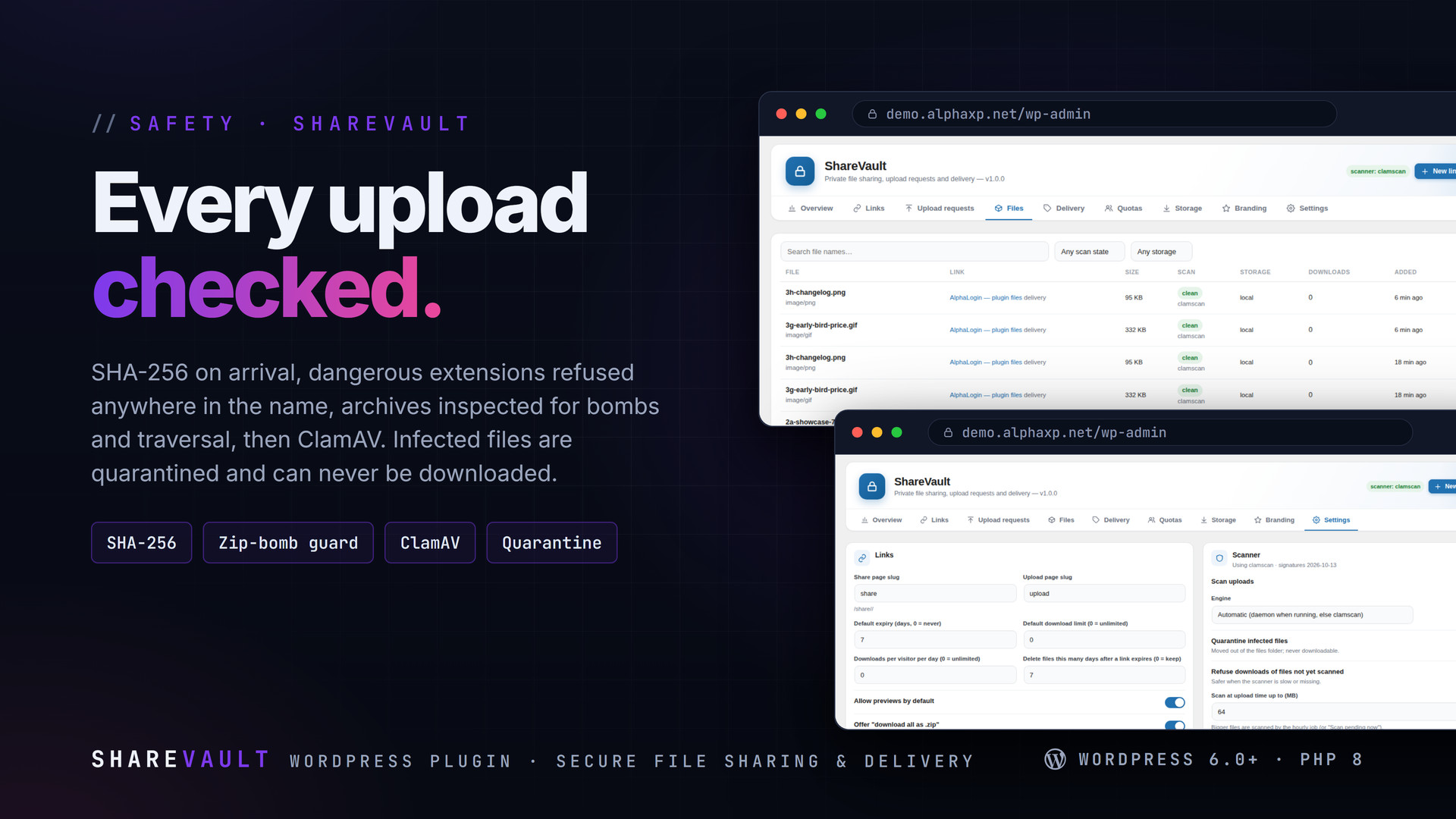
- ClamAV (clamdscan when the daemon runs, clamscan otherwise) on every file; infected files quarantined and never downloadable; pending scans finish in the background; an EICAR self-test
- Zip-bomb guard: entry count, compression ratio, nested archives and path-traversal names are refused before the file is stored; dangerous extensions blocked anywhere in the name
- Digital delivery: map products to files for CodeSell, WooCommerce and Easy Digital Downloads (or any code via sharevault_deliver); a paid order creates a personal delivery link and emails it with your template
- Overview with 30-day downloads / uploads, top links, scanner and storage status; links with search, filters, groups, bulk revoke / restore / delete / re-expire; a files view with rescans, releases and offloads; an audit log with masked IPs
- Quotas per role (storage and link count) with per-user overrides; chosen roles may create their own links through the REST API
- S3-compatible offload (AWS S3, Cloudflare R2, Backblaze B2, MinIO, Wasabi): SigV4 uploads, presigned downloads, one-click migration of existing files, a connection test
- Branding: name, logo, colour, intro texts, footer, dark style; REST: sharevault/v1/links, /links/, /deliver; email on upload and download, uploader receipts
How Uploads Work
- Create an upload request and send the address (or embed the dropzone on a page)
- Files go up in small chunks through admin-ajax, so upload_max_filesize does not apply — only the per-file limit you set
- A closed tab or a dropped connection resumes where it stopped; each chunk is retried with back-off
- On arrival the SHA-256 is verified, dangerous extensions and zip bombs are refused, the file is scanned, and you get an email

Installation
- Download the zip from your Library
- In wp-admin go to Plugins › Add New › Upload Plugin, choose the zip and activate it
- A new menu entry appears in the admin sidebar; open it
- ShareVault › Settings › Scanner: run the self-test; install ClamAV on the server if no engine is found
Requirements
- WordPress 6.0 or newer (tested up to 7.0)
- PHP 8.0 or newer
- Pretty permalinks for /share/ and /upload/ pages (plain links work too)
- Optional: ClamAV (clamav / clamav-daemon) for scanning, PHP ZipArchive for folder zips and the zip guard
- Optional: an S3-compatible bucket for offloading
What You Get
- ShareVault 1.0.0 for WordPress (
sharevault-1.0.0.zip) - Full, readable PHP and JavaScript source, no obfuscation
- Updates for the term of your licence
Works With
Part of the Alpha WordPress line, built with one admin kit; CodeSell orders deliver through it and PayStudio links can hand out vault files: CodeSell, PayStudio, SecureShield, GeoGate, AlphaLogin, LicenseGuard.
The screenshots show the plugin on our demo site with sample data.
Everything included
- Share one file or a folder: expiry, download limit, password, note, group; a branded page
- Files live in a private folder under a random name without extension (or in your bucket);
- Per-IP daily download limits, optional login requirement; states that cannot be bypassed:
- Upload-request pages your clients open without an account: name and email collection, file
- Chunked, resumable uploads: 1.5 MB chunks by default, automatic retry with back-off, resum
- ClamAV (clamdscan when the daemon runs, clamscan otherwise) on every file; infected files
- Zip-bomb guard: entry count, compression ratio, nested archives and path-traversal names a
- Digital delivery: map products to files for CodeSell, WooCommerce and Easy Digital Downloa
- Overview with 30-day downloads / uploads, top links, scanner and storage status; links wit
- Quotas per role (storage and link count) with per-user overrides; chosen roles may create
- S3-compatible offload (AWS S3, Cloudflare R2, Backblaze B2, MinIO, Wasabi): SigV4 uploads,
- Branding: name, logo, colour, intro texts, footer, dark style; REST: sharevault/v1/links,
Platforms
Requirements
- WordPress 6.0+
- PHP 8.0+
In the download
Personal
One non-commercial project
- 1 activation seat
- 1 year of updates
- One end product
- Non-commercial use
- Community support
- 14-day refund window
Commercial
Ship paid products
- 5 activation seats
- 1 year of updates
- One paid end product
- Unlimited end users
- Priority support
- Source files
- 14-day refund window
Extended
Resell & white-label
- Unlimited activation seats
- Lifetime updates
- Unlimited end products
- White-label & resell
- 1-hour SLA
- Seat-free team use
- 14-day refund window
One purchase per product, no subscription. Each licence comes with a signed key — 1 seat on Personal, 5 seats on Commercial, unlimited seats on Extended. Paid licences can be refunded within 14 days from your order page.
- v1.0.0LatestOct 14, 2026
- First release
Be the first to review ShareVault | Secure File Sharing & Uploads for WordPress — reviews come from customers who bought it, so every one is a verified purchase.
Frequently asked
Where are the files stored?
In wp-content/uploads/sharevault-<random>/files/, denied by .htaccess and stored under random names without an extension, so nothing can be guessed or executed. Or in your bucket when offload is on.
Can clients upload files bigger than my PHP upload limit?
Yes. Uploads go in chunks, so upload_max_filesize does not apply; only the per-request limit you set does.
What happens to an infected upload?
It is moved to the quarantine folder, marked, logged and cannot be downloaded. An administrator can release a verified false positive.
Is ClamAV required?
No, but recommended. Without it files are stored unscanned; you can refuse downloads of unscanned files, and the zip guard and extension blocking still run.
How do I get the files after paying?
Straight after checkout you land on your order page with the download button and your licence key. A receipt is emailed to you, and every order stays in My library.
Which licence do I need?
Personal — One non-commercial project. Commercial — Ship paid products. Extended — Resell & white-label. The Licences tab compares them side by side.
On how many devices can I activate it?
1 seat on Personal, 5 seats on Commercial, unlimited seats on Extended.
How long do I get updates?
Personal: 1 year of updates, Commercial: 1 year of updates, Extended: lifetime updates, counted from your purchase.
Can I get a refund?
Yes — paid licences can be refunded within 14 days, straight from your order page.
Is the download safe?
The file was scanned with ClamAV when it was published. Its SHA-256 checksum is listed under Features → In the download, so you can verify the file you receive.
Do I need an account?
No. Checkout only needs your email. Signing in keeps all your purchases, keys and downloads together in My library.
More like this
FolderPress — Media Library Folders for WordPress
media library, media folders, folders, file manager, media organizer, image optimization, webp, cdn, share links, private files, two factor…
★★★★★ No reviews yetTTechHarbour$29.00NewAlphaLogin | Passkeys, 2FA & SSO for WordPress
Passkeys, two-factor codes, magic links and SSO through your Alpha accounts portal, with brute-force protection, session control, login des…
★★★★★ No reviews yetTTechHarbour$19.00NewMeetPress | Video Meetings & Bookings for WordPress
AlphaCall video rooms on any page, a booking calendar with services and weekly availability, a private room per booking, confirmations with…
★★★★★ No reviews yetTTechHarbour$29.00NewLicenseGuard | Licence Keys & Update Server for WordPress
A licence server for the software you sell: signed keys, seat-limited activations, a private update server with staged rollouts, a REST API…
★★★★★ No reviews yetTTechHarbour$29.00