AlgoBot | Flutter AI Trading App
AlgoBot | Flutter AI Trading App
AlgoBot | Flutter AI Trading App
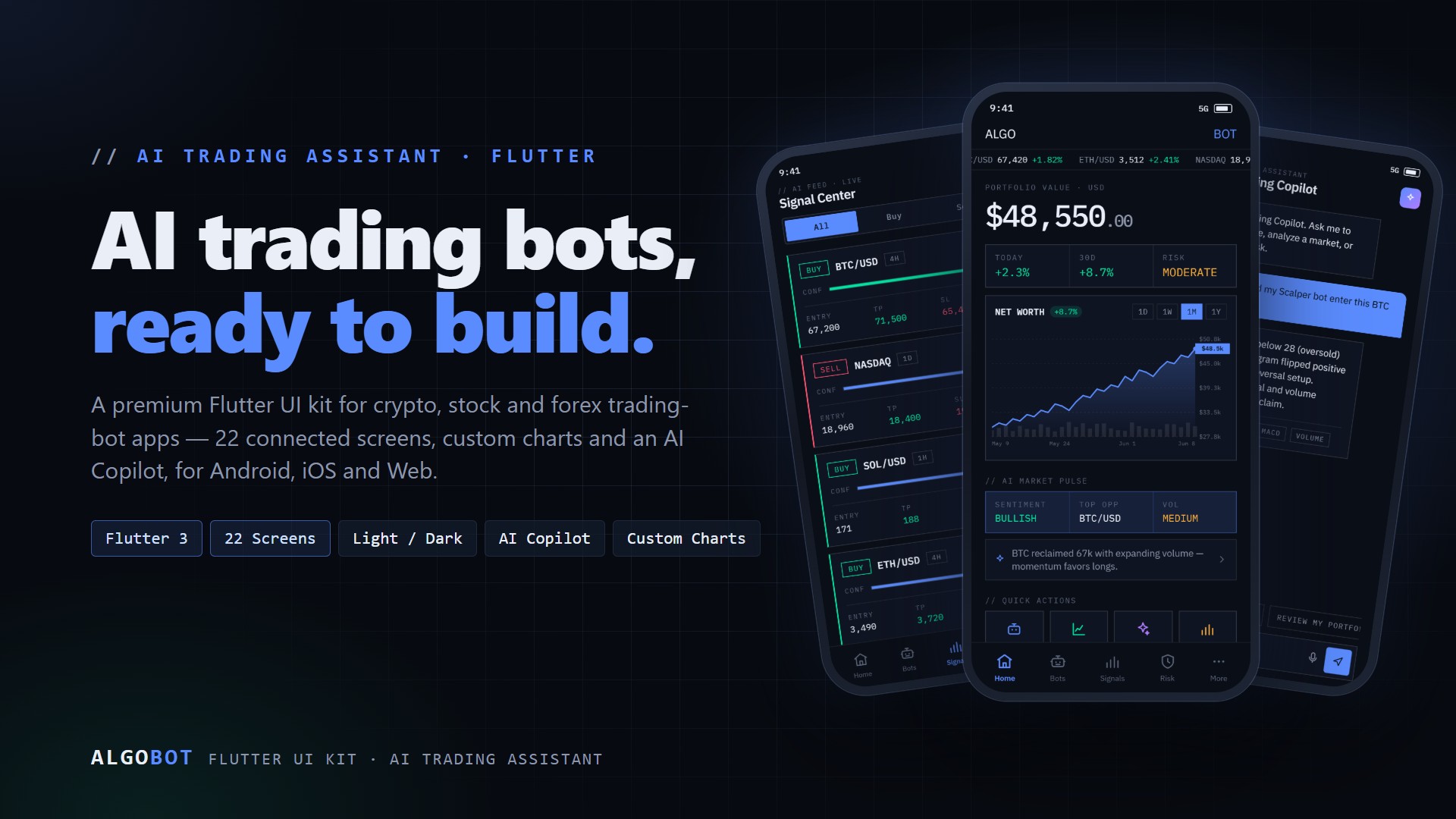
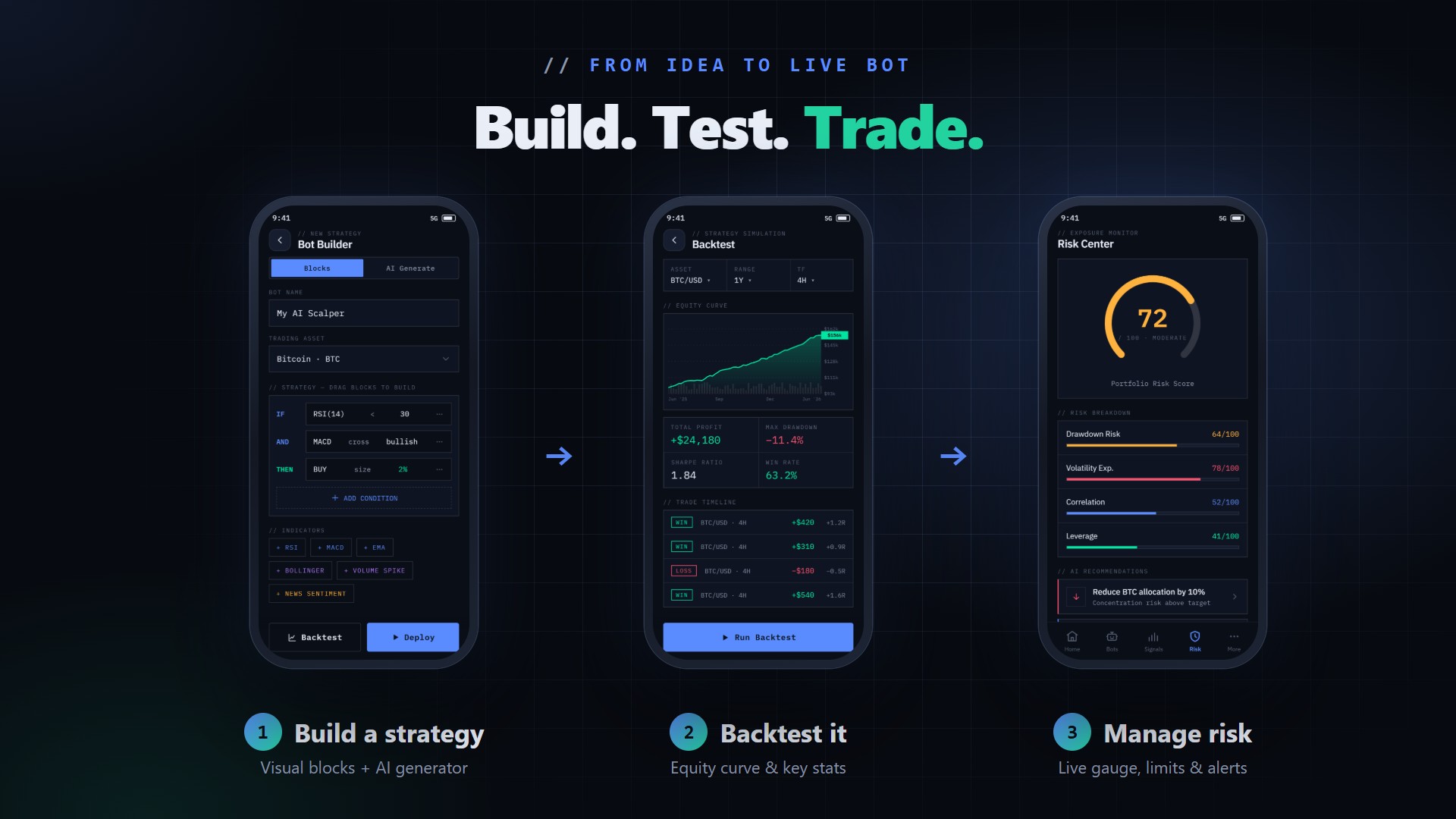
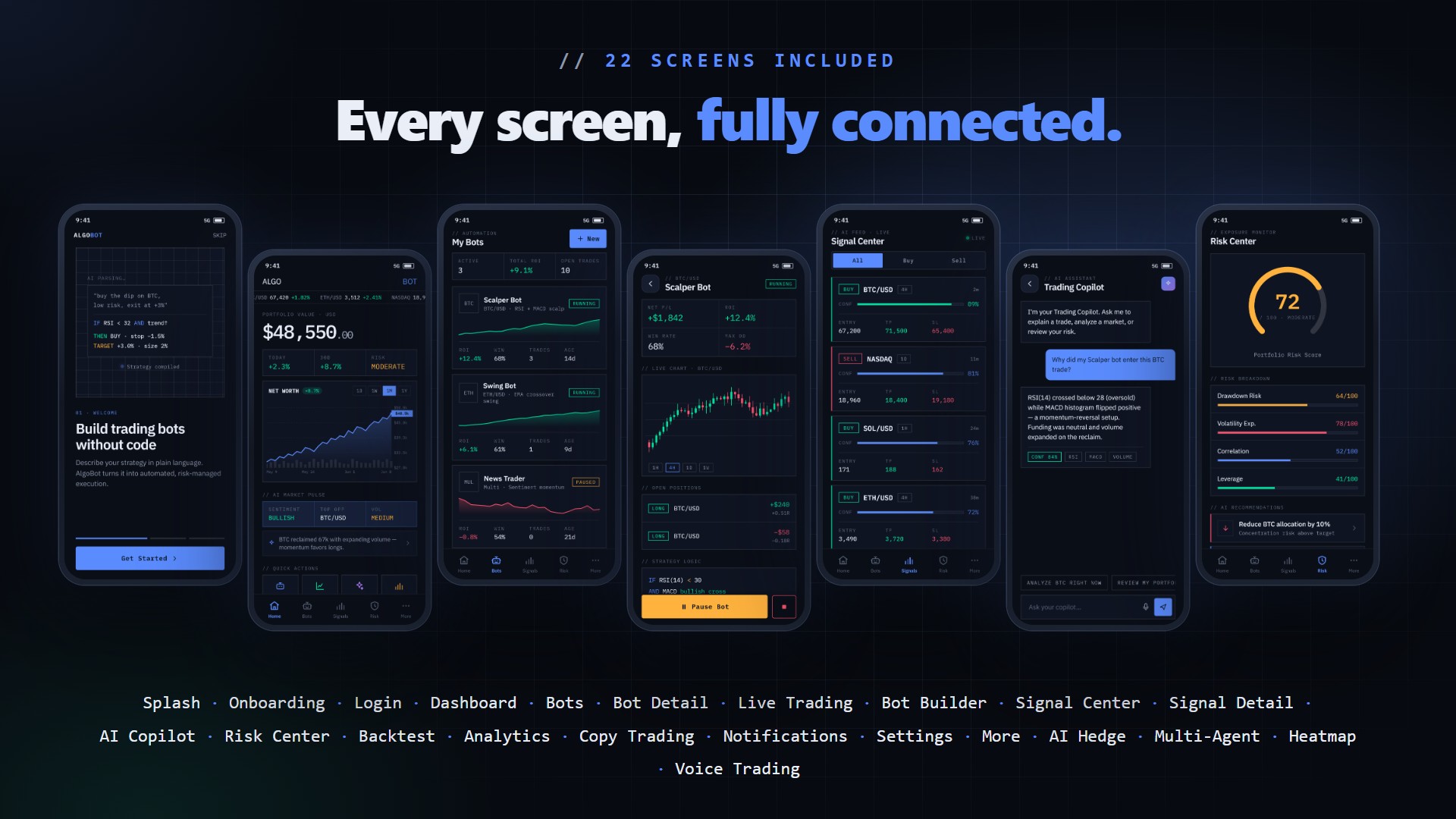
AlgoBot is a premium, mobile-first Flutter UI template for an AI-powered trading bot and crypto, stock and forex trading assistant app. It ships as clean, well-structured Dart source code with 22 fully connected, responsive screens, custom hand-painted charts, light and dark themes, and a complete reusable component library. Build your trading app, robo-advisor, copy-trading platform, portfolio tracker, or fintech dashboard on Android, iOS and Web from a single codebase. Please note: using the AI features and API integrations with real services will incur external costs from providers such as OpenAI - these provider costs are separate from the item price and are not included in the purchase.
Demo Instructions
Android Demo Login Credentials
Email: alex@algobot.io
Password: demo1234
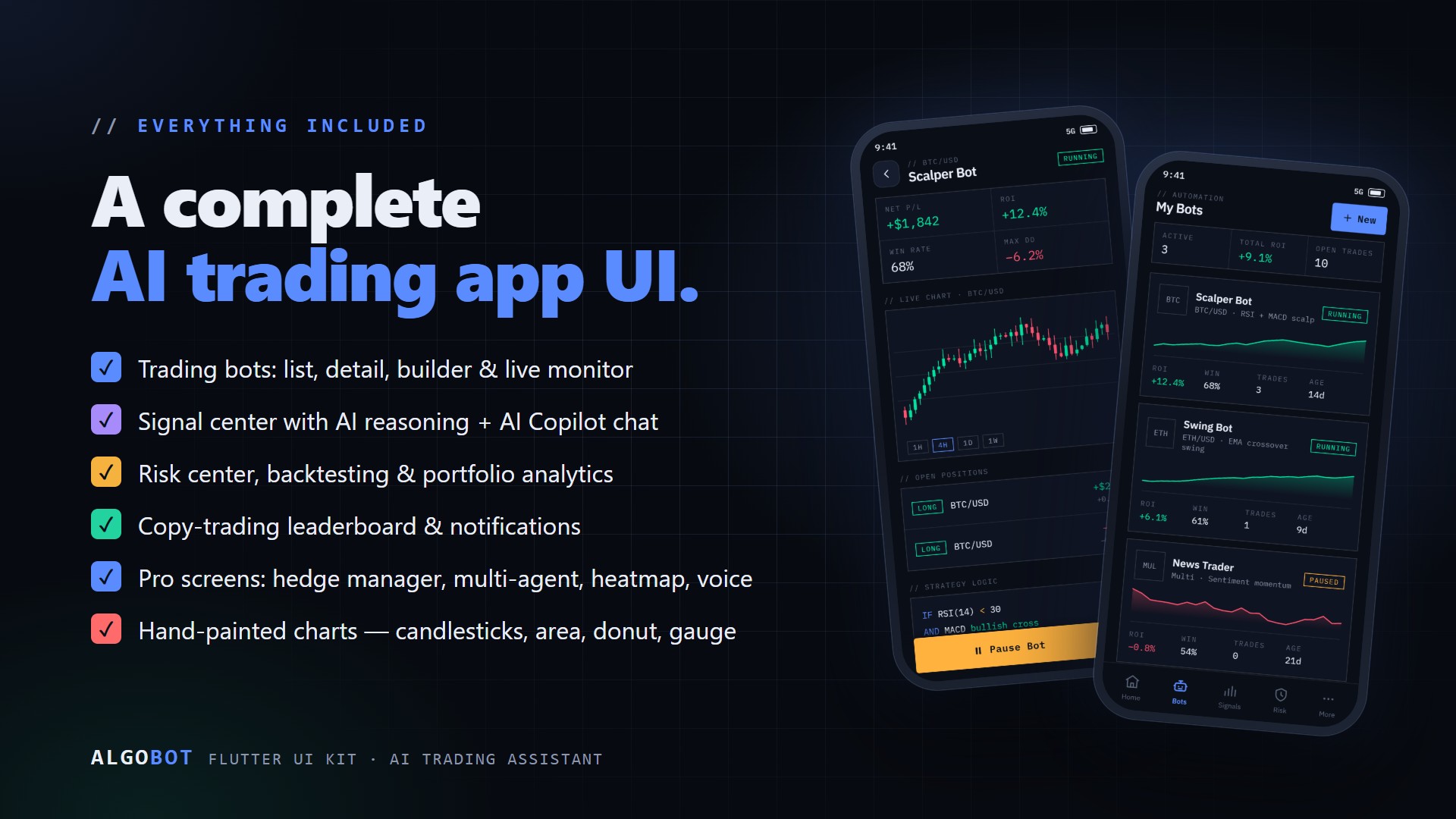
The credentials above are pre-filled on the login screen of the Android demo - just tap Sign In to explore the complete application flow, including the dashboard, trading bots, bot builder, live trading monitor, signal center, AI Copilot, risk and backtest centers, portfolio analytics, copy trading, settings and the Pro screens.


Important: This is a UI/UX template (front end only). All market data, bots, signals, portfolios and AI responses are plausible-but-fake demo content. No backend, AI model, exchange or broker integration, and no real trading are included. The codebase is organized so you can connect your own API, AI provider and exchange/broker. Connecting to external AI providers (such as OpenAI), exchange/broker trading APIs, market-data providers and payment providers will involve separate costs for the buyer; these services are not included in the purchase.
Important - External AI and API Costs (please read before buying)
Using the AI features and API integrations of this template with real services will result in external costs charged to you by those service providers - for example OpenAI. You are responsible for the cost of any third-party API subscriptions; these costs are separate from and not included in the item price. This item is a front-end UI template only: the AI screens (AI Copilot chat, AI strategy generator, Multi-Agent consensus, AI market pulse and Voice Trading) are interface demonstrations powered by local demo data, and no AI model is called out of the box. To make any AI or data feature actually work you must connect your own third-party services, and each charges its own fees:
- AI providers (e.g. OpenAI, Anthropic, Google) - charge per request / per token for every AI call your app makes
- Exchange / broker trading APIs and market-data providers - typically require paid plans, subscriptions or per-use fees
- Backend hosting - server and API hosting costs for the backend you connect
- Payment providers - per-transaction processing fees
All of these require you to open and maintain your own accounts with those providers; their fees, subscriptions and usage charges are billed directly to you and are NOT included in the price of this item. Please review each provider's pricing before enabling live features. The documentation includes a step-by-step "Connecting a Real API / Backend" section, an environment-configuration guide (dev / staging / prod), and an FAQ that walks you through the initial API provider account setup (OpenAI, exchange/broker APIs).
AI Disclosure
In the interest of full transparency: AI tools were used in the creation of this item. Specifically, the item thumbnail and the preview / marketing graphics were generated with the help of AI tools. All graphics show only screens and features that are actually implemented in the included source code.
The design uses a modern, data-dense "terminal" aesthetic: monospace numbers, hairline grid borders and neon accents (mint for gains, coral for losses, amber for risk, electric blue for actions). Everything is driven by centralized design tokens, so you can re-skin the entire app by editing one file.
Key Features
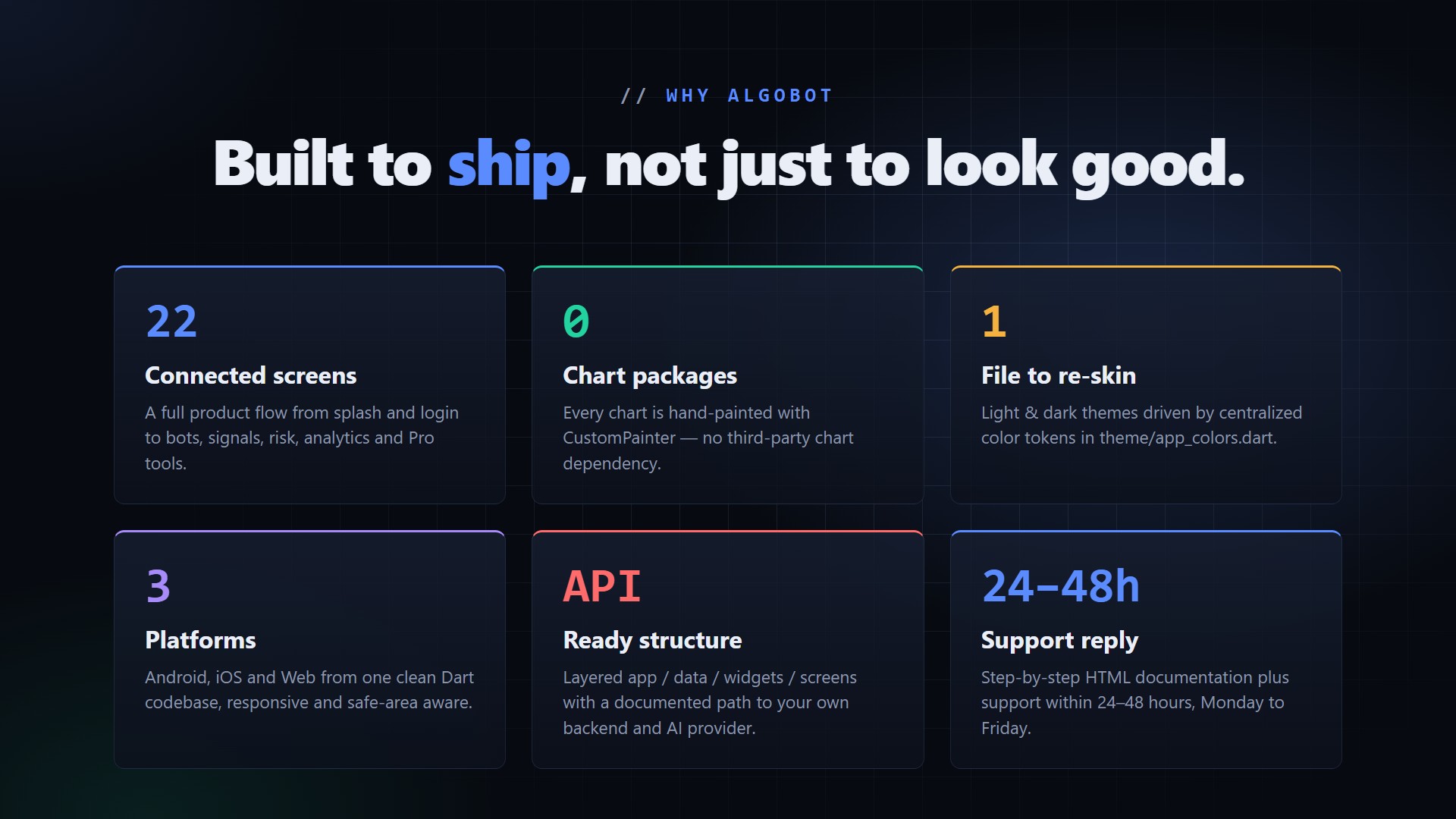
- 22 connected, responsive screens covering a full AI trading-bot product flow
- Light and dark themes with a runtime toggle, all from centralized color tokens
- Custom charts built with CustomPainter and no third-party chart packages: area chart with axes and volume, candlesticks, donut, radial risk gauge, bar chart and sparklines
- Complete reusable component library: buttons, panels, stat grids, tags, pills, toggles, segmented controls, headers, bottom tab bar, bottom sheets, ticker tape and live indicators
- Clean, layered architecture (app, theme, utils, data, widgets, charts, screens) with barrel files and one screen per file - easy to read, locate and edit
- Lightweight custom navigation: phase flow (splash, onboarding, login, app), bottom tabs and a push stack for detail screens
- Smooth animations: animated screen transitions, scrolling ticker tape, pulsing live dots, chat typing indicator, simulated AI generation and voice listening
- Responsive and safe-area aware - scales from small phones to tablets and web with a centered max-width layout
- Offline-friendly: uses the platform monospace font, no web-font downloads, and no network required to build or run
- Documented backend path: a step-by-step "Connecting a Real API / Backend" guide shows how to swap the demo data for your own API and AI provider
- Well-commented code and full step-by-step HTML documentation included

Screens Included (22)
- Animated Splash with secure-link loading
- Onboarding (3 slides)
- Login (email, Face ID, Google and Apple)
- Dashboard: ticker tape, portfolio value and chart, AI market pulse, quick actions, active bots table
- Bots list
- Bot Detail with live candlestick chart, open positions and strategy logic
- Live Trading monitor with ticking price, execution log and emergency stop
- Bot Builder: visual strategy blocks plus an AI strategy generator
- Signal Center
- Signal Detail with AI reasoning
- AI Copilot chat assistant
- Risk Center with radial gauge
- Backtest Center with runnable equity curve
- Portfolio Analytics with donut and bar charts
- Social / Copy Trading leaderboard
- Notifications
- Settings with theme toggle
- More menu
- Pro: AI Hedge Manager
- Pro: Multi-Agent consensus
- Pro: Market Heatmap
- Pro: Voice Trading

What You Get
- Full Flutter source code in Dart
- Android, iOS and Web ready from one codebase
- Light and dark theme
- Reusable widgets and custom chart library
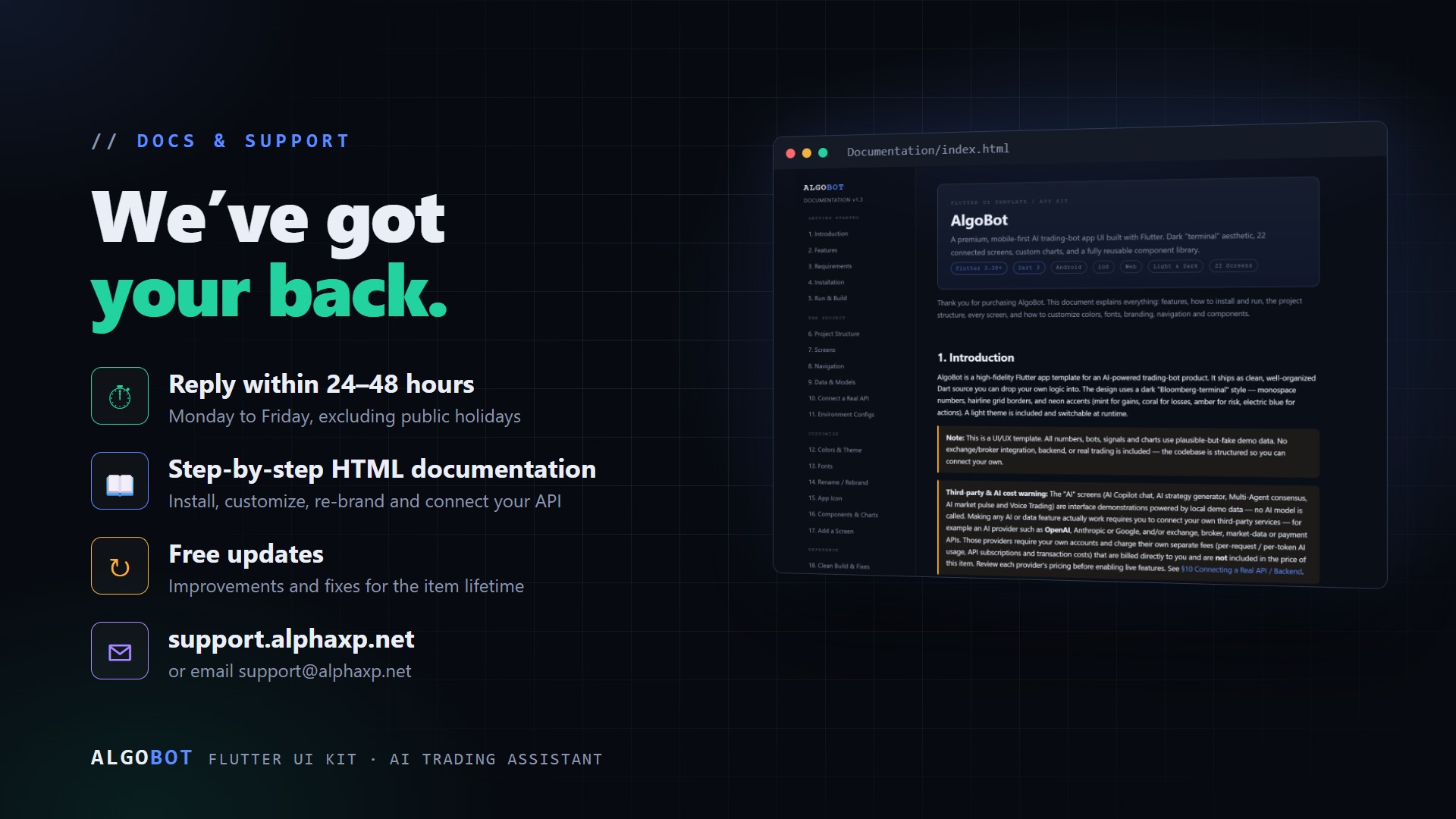
- Step-by-step HTML documentation, including how to connect a real API / backend
- Demo data and model classes you can swap for your own API
Requirements
- Flutter SDK 3.38 or newer (Dart 3)
- Android SDK 36 or newer and JDK 17 for Android builds
- Xcode 14 or newer for iOS builds (macOS)
- Visual Studio Code or Android Studio with the Flutter and Dart plugins
Easy to Customize
Change every color from one file (theme/app_colors.dart). Swap fonts, rename the app and package identifier, replace the launcher icon, and add new screens in minutes by following the included documentation. Replace the demo data constants with your own API responses - the widgets only depend on the model classes.
Support and Updates
Friendly support is available for setup and usage questions, along with free updates. We reply to support requests within 24-48 hours, Monday to Friday. Please note this is a UI template and does not include a backend, AI model, exchange or broker integration, or real trading.
Included in this release
- AlgoBot | Flutter AI Trading App
- ZIP download · 810 KB
Platform targets
- Android
Licensing
v1.0.0 — Oct 9, 2026
- Current release
What support covers
Installation help, download or activation problems, and questions about documented behaviour, for the length of your licence term.
- Seats: 1 seat on Personal, 5 seats on Commercial, unlimited seats on Extended.
- Refunds within 14 days from your order page
- Your licence keys, downloads and order history: My library